DI-5000_DP-5000_DPS-5000 Service Manual Edition 2
70
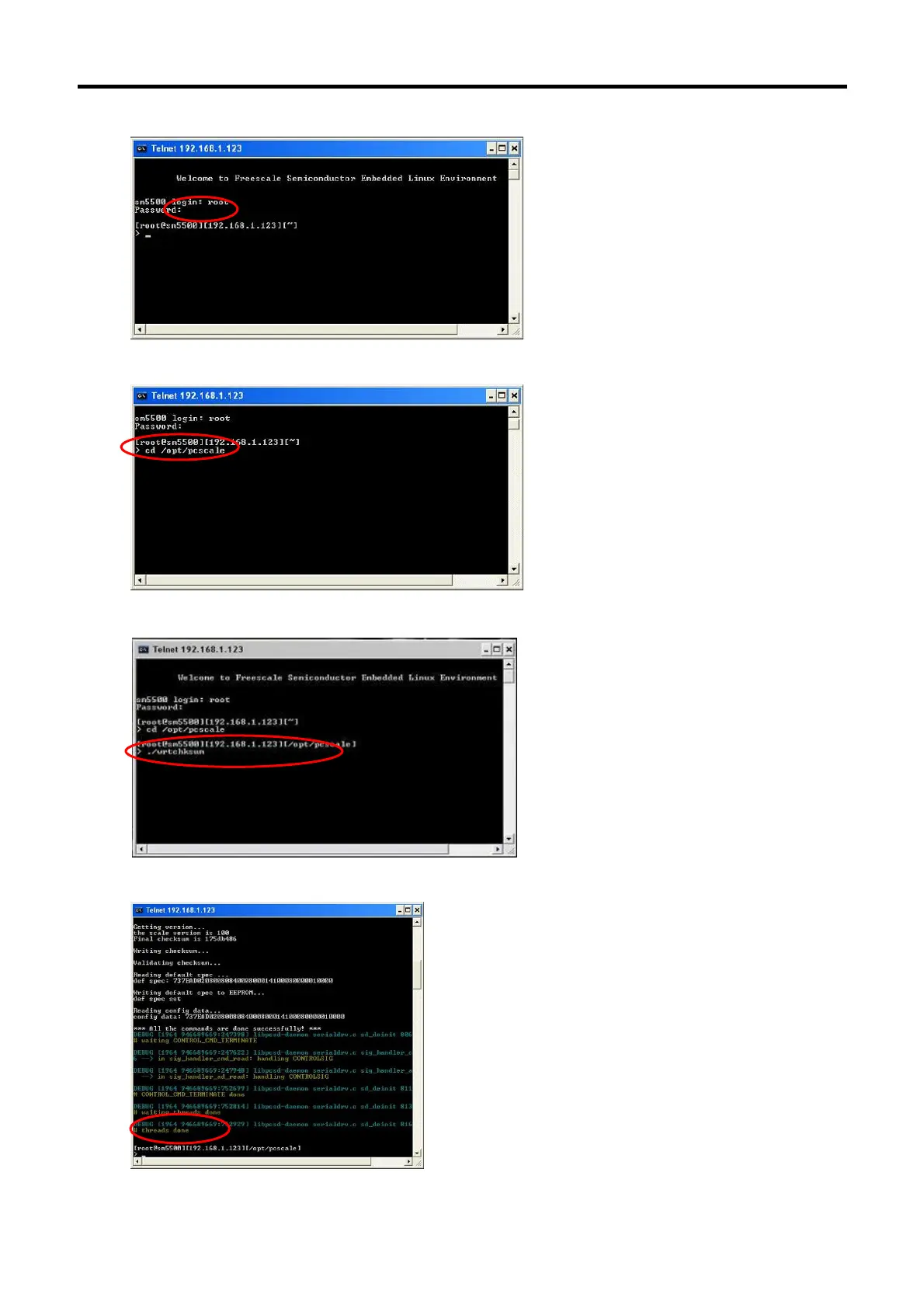
4. Keying password [teraoka] (invisible) and press [Enter].
5. Keying command [cd /opt/pcscale] and press [Enter].
6. Keying command [./wrtchksum] and press [Enter].
7. After checksum have been written successfully, “Done” will appear at the command prompt.



 To Next Page
 Loading...
