Page 12
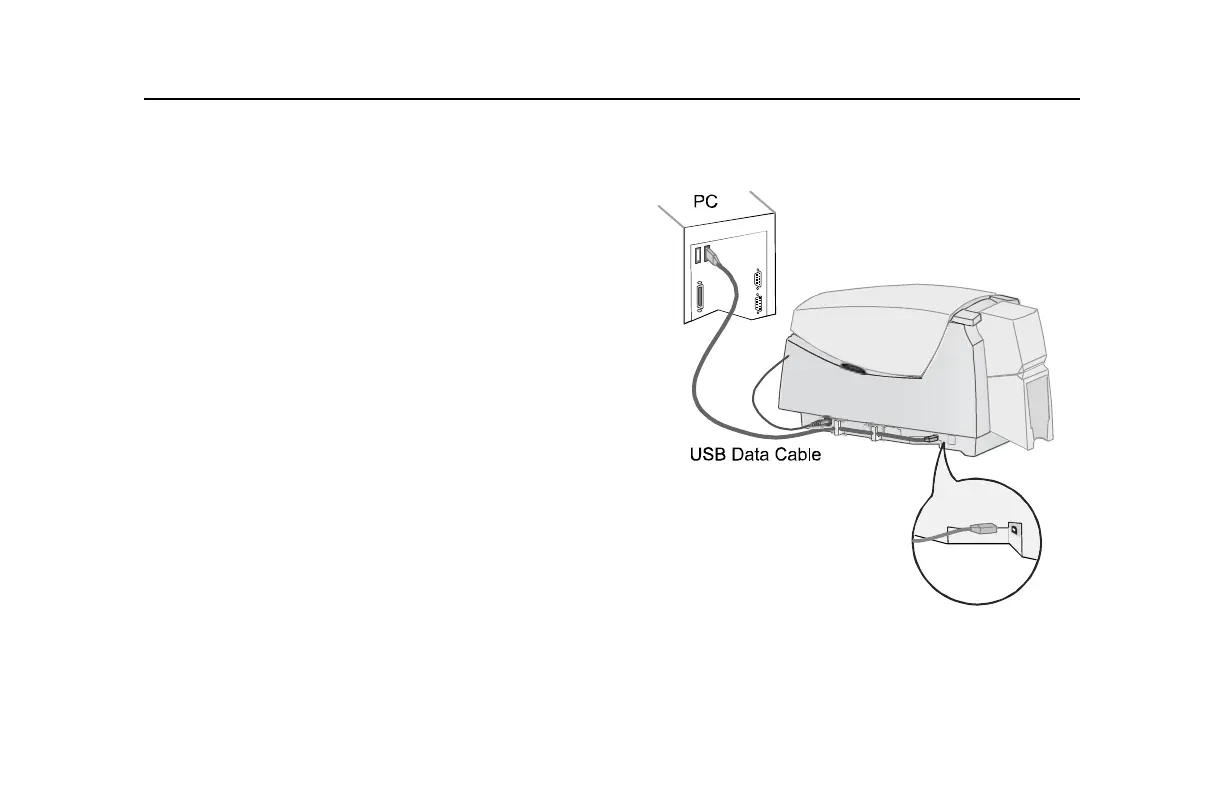
Check the PC connection
The printer and PC are connected when the printer is set
up. Before beginning card processing, make sure the
connection is complete.
The USB data cable should be connected to a USB port
on the PC and to the USB data port on the printer.
The printer can be connected in these other ways:
• Through a direct network connection, where the
printer is connected to a network (using a print server,
such as an HP
®
Jetdirect 175x and the PC is
connected to the same network.
• As a shared printer, where the printer is connected to
another PC on the network and the user’s PC is
connected to the network.
See Info Central for more information about connecting
the printer.



 To Next Page