Page 8
Loading cards
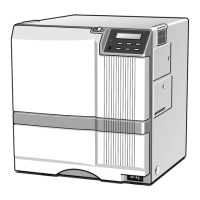
1 Open the input hopper cover.
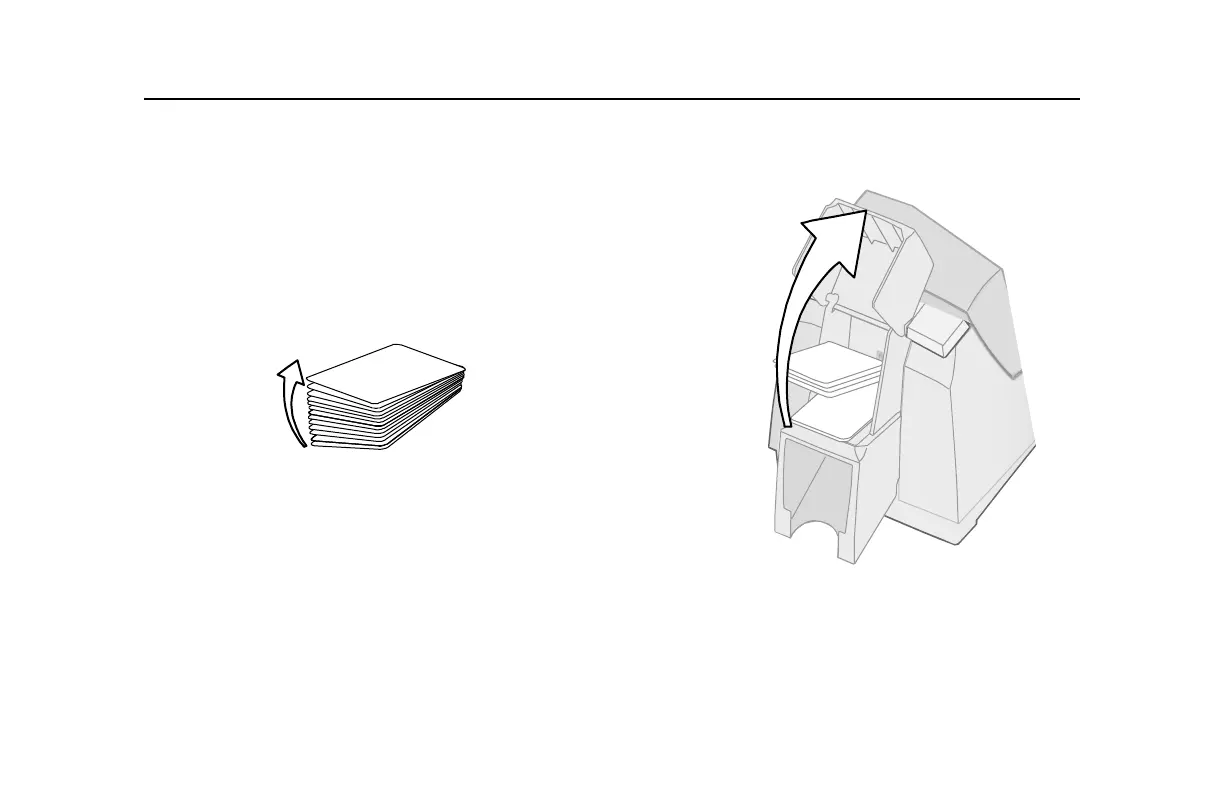
2 Remove cards from the original package.
Tips: Handling cards
• Cards can stick together: Slide or fan cards to separate the edges.
• Do not touch the surface of cards before printing them. (Oils on
hands will reduce printing quality.)
• Handle cards by the edges or wear gloves.
• Orient all cards the same way.



 To Next Page