Page 4
About the printer
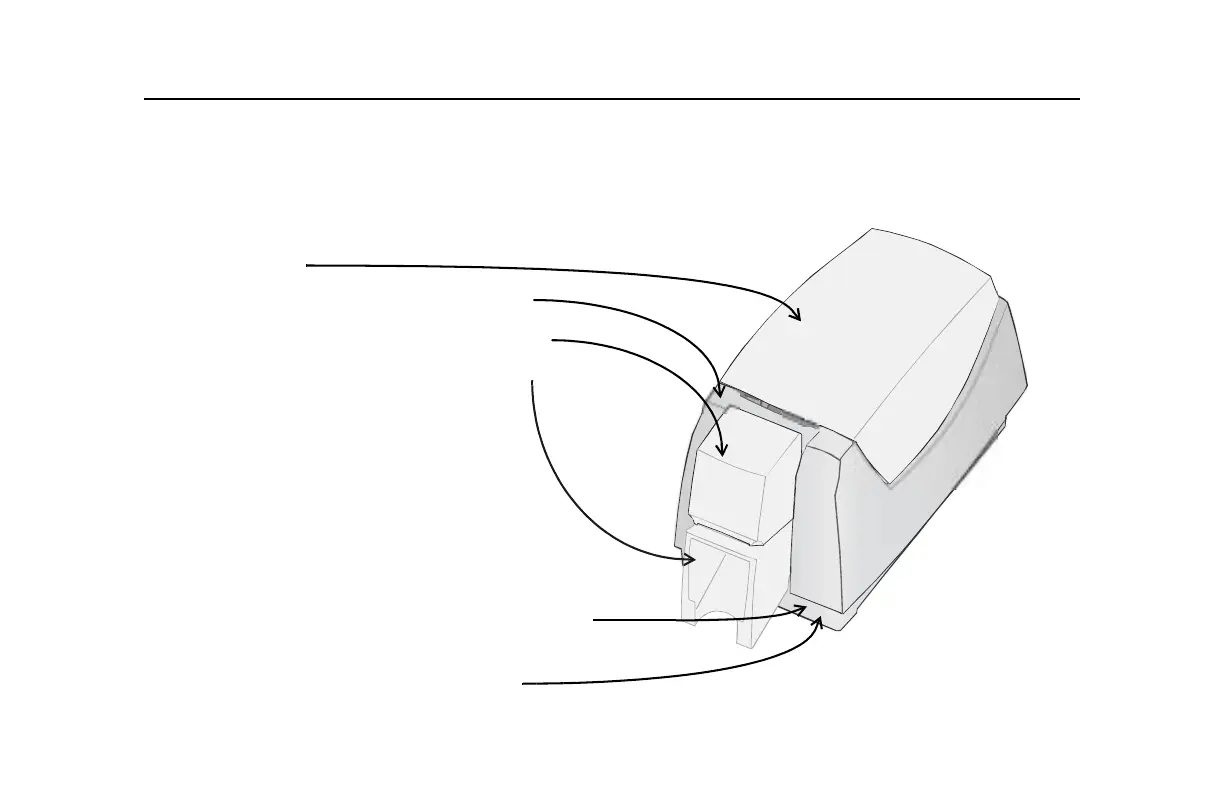
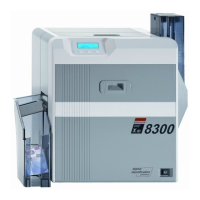
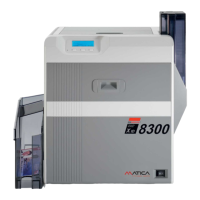
The outside of the printer
Printer Cover.
Latch: Lift the latch to open the printer cover.
Input hopper: Lift the cover to load blank cards.
Output hopper: Remove completed cards.
Ready button: Push to pause or unpause the printer.
The status light helps you understand printer operation.
See “Status light” on page 11 for details.



 To Next Page