30
DS6 User Manual
2. CONTROL / Upgrade / Bootloader mode /
Upgrade
All Digital Sputnik PSUs are upgrade-
able by the user. A Windows or macOS
Upgrade Utility can be downloaded from the
Digital Sputnik webpage. The update can be
performed via the DS WiFi module, or
through a wired connection (DMX to USB
cable with FTDi chip).
Bootloader Mode
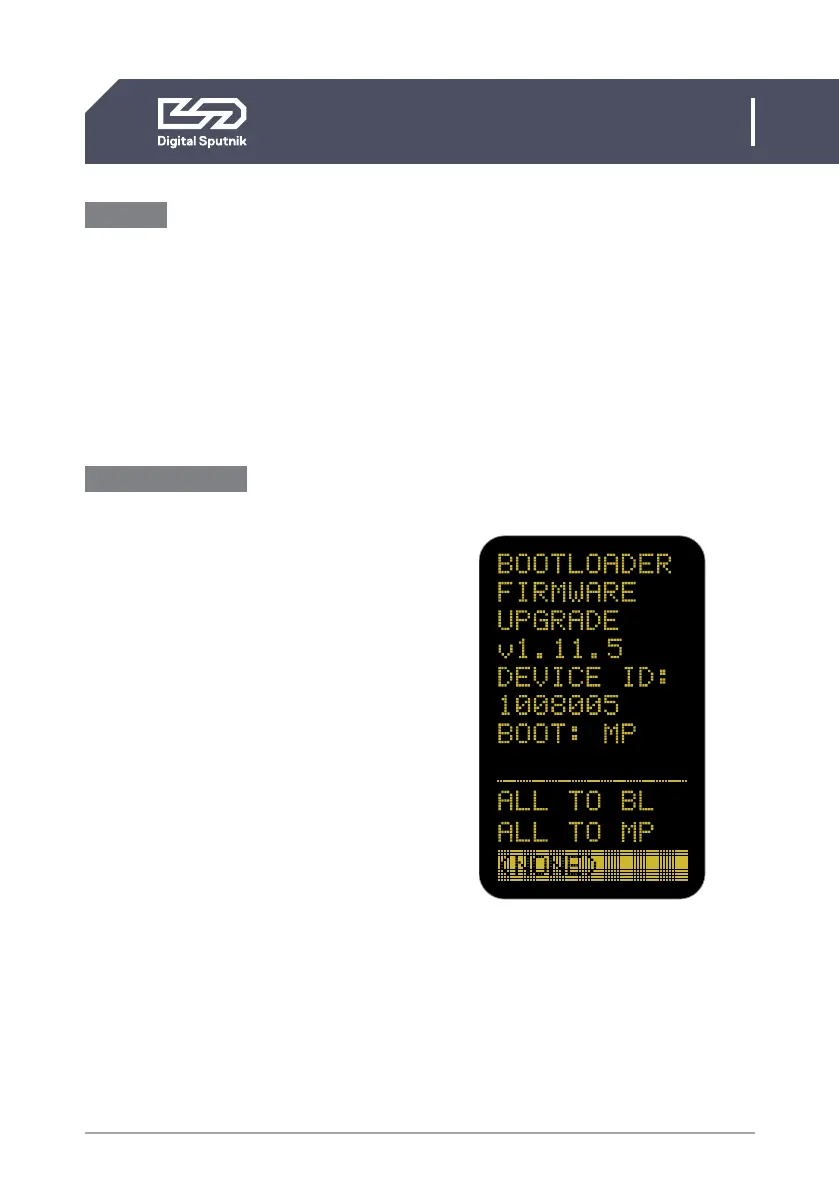
The PSU must be in bootloader mode when
being upgraded. To enter bootloader mode,
press the left arrow key while you switch
on the PSU.
In some bootloader versions option there
is a choice between All to BL or All to MP.
These options must never be used!
If there have been firmware updating
issues (for example, due to a bad WiFi
signal), the Windows/macOS DS Upgrade
Utility must be allowed to run again.


 To Next Page