D2 PAD | 12
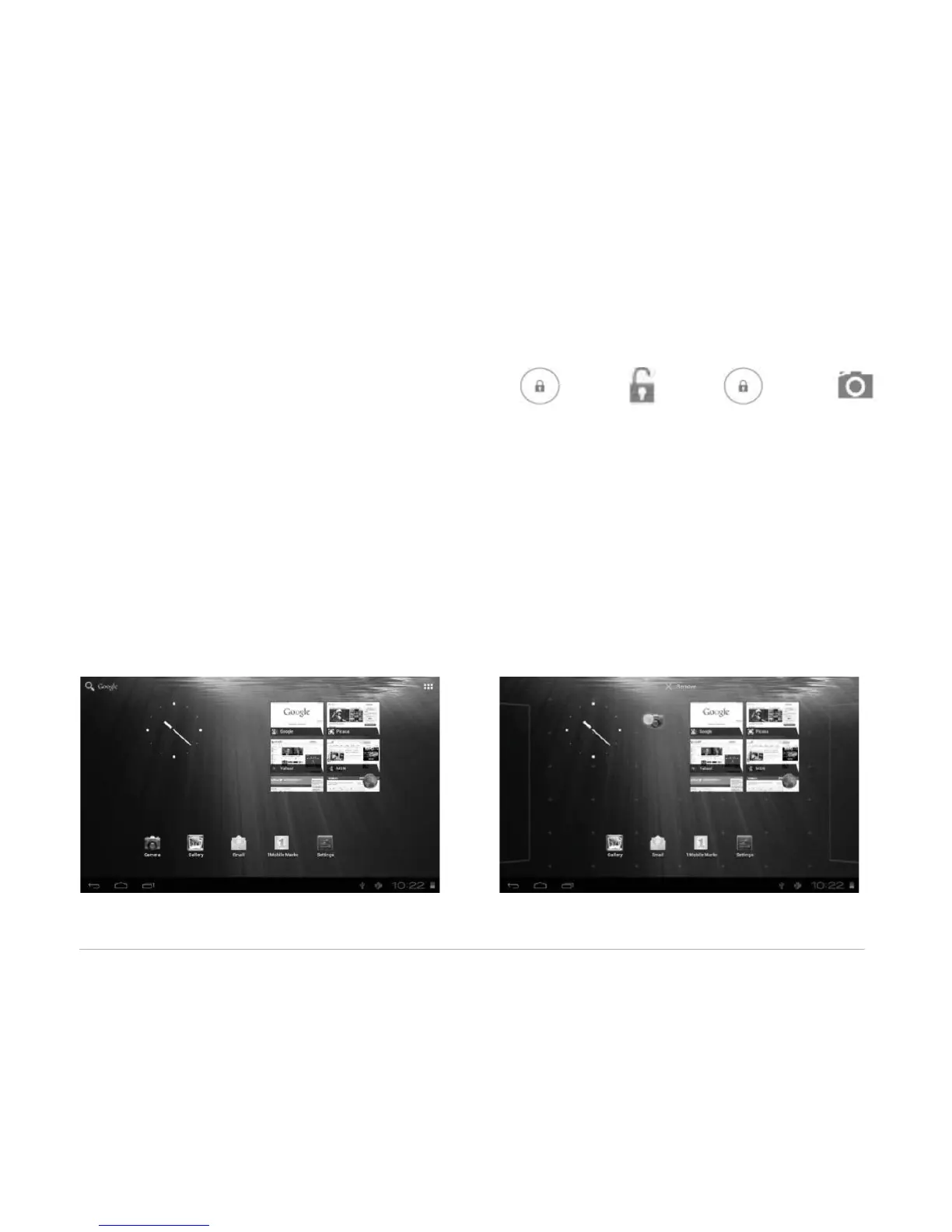
The screen is locked by default. To unlock the screen, drag towards , or drag towards
to directly enter the camera application.
You can manage application icons from the home screen:
• Add application shortcuts: Long press an application icon from the application menu and drag the icon
to the home screen to add as shortcut.
• Remove application shortcuts: Long press an application icon in the home screen as the top of the
screen displays an “X”. Drag the application icon towards the “X” until it turns red, and then release the
hold to remove the application shortcut.



 To Next Page