D2 PAD | 16
4. Basic Settings
Personalize applications, set system date and time, configure network connection, and change other
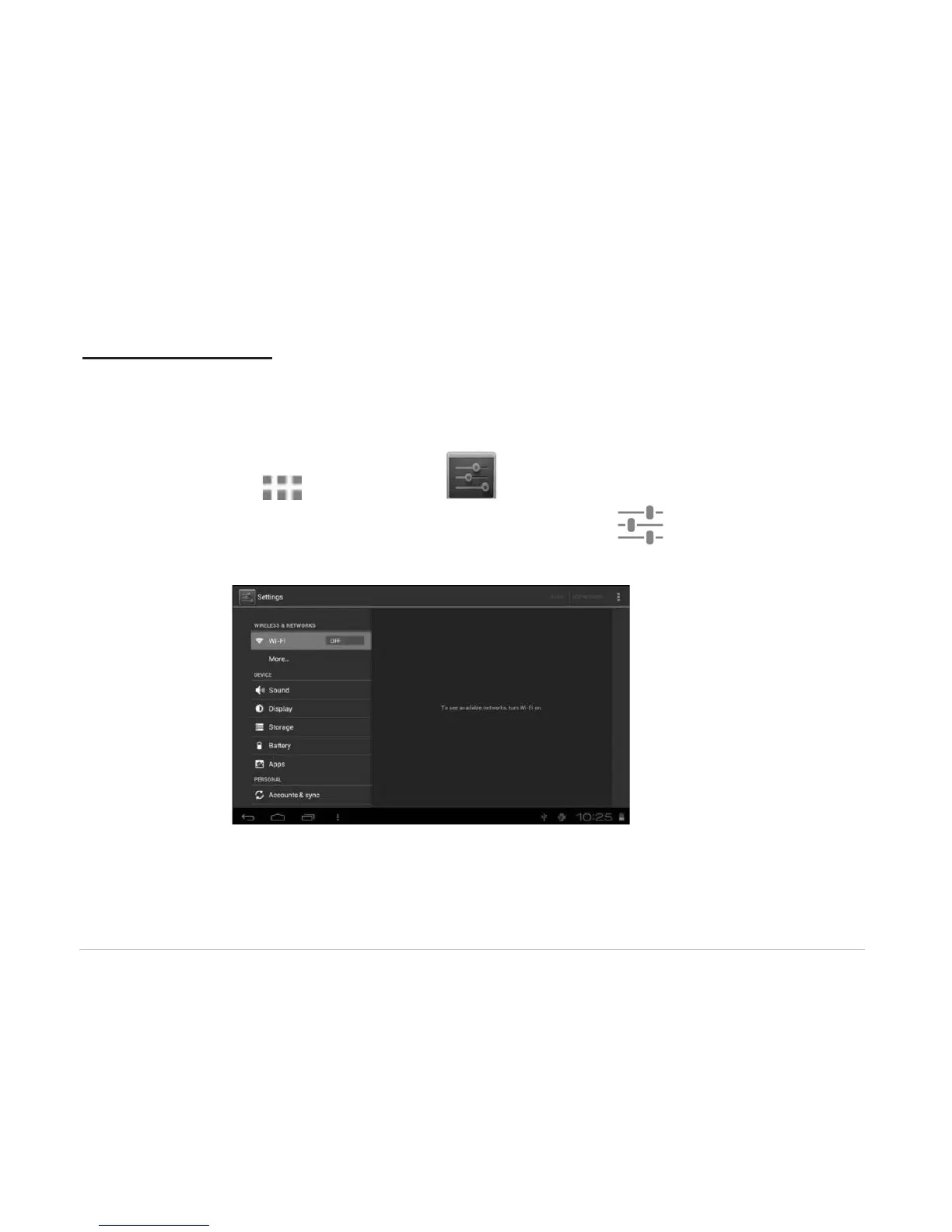
settings in the Settings page. To open the Settings page, do one of the following:
• Touch the Application icon, and then tap Settings.
• Tap the notification icons on the right side of the status bar, then tap .
Tap an item on the left panel menu to display more setting options on the right panel.



 To Next Page