D2 PAD | 20
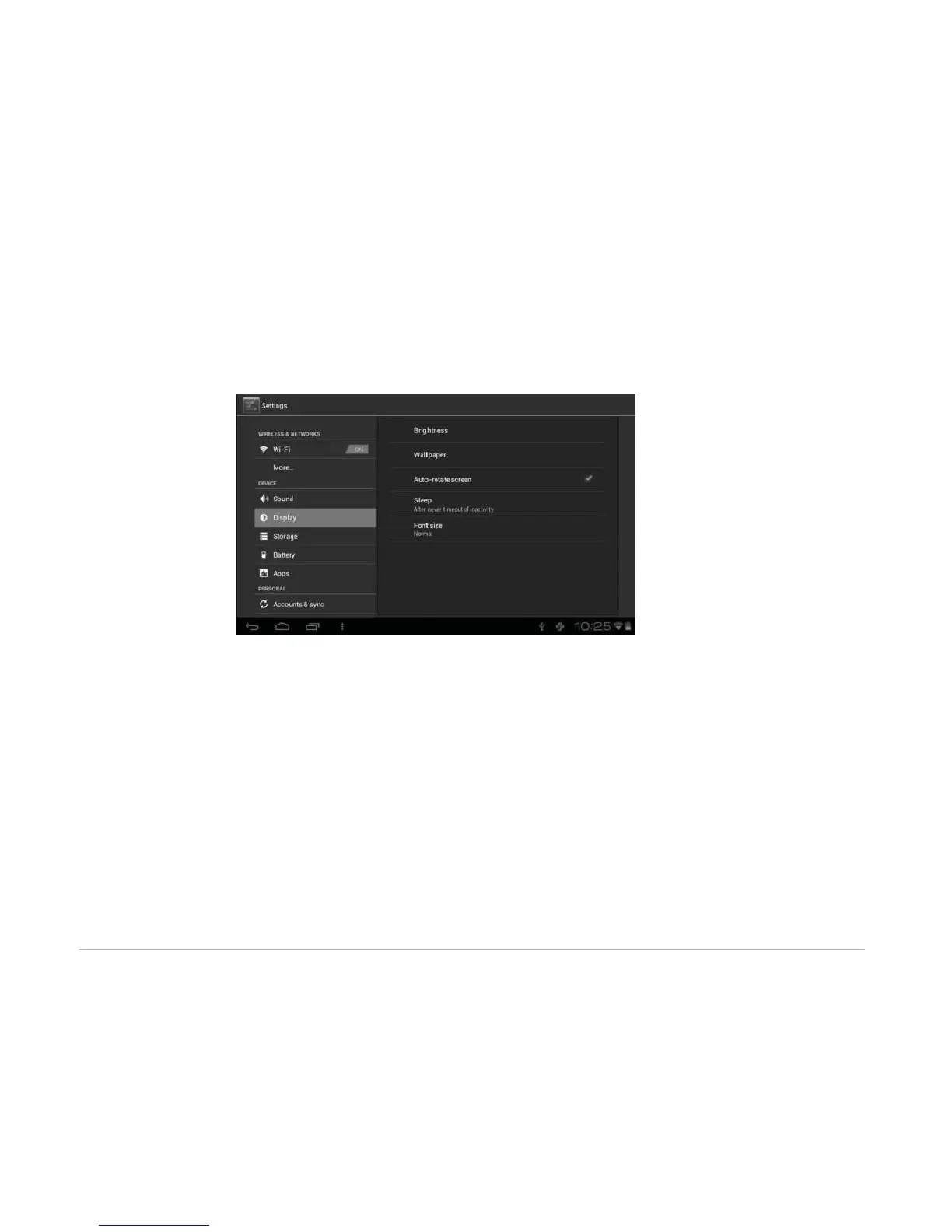
4.2.2 Display
• Brightness: Adjust the brightness of the screen by dragging the slider bar left or right, then click OK. You
can also select automatic adjustment.
• Wallpaper: Change the background of the home screen by three (3) options. Refer back to section 3.2
Wallpapers for details.
• Auto-rotate screen: When you rotate the tablet, the screen changes direction automatically.
• Sleep: Adjust idle time before the screen locks.
• Font size: Set the size of the system font with four options: Small, Normal, Large, and Huge.
4.3 Personal



 To Next Page