D2 PAD | 8
1. Know Your D2 Pad
1.1 Product View
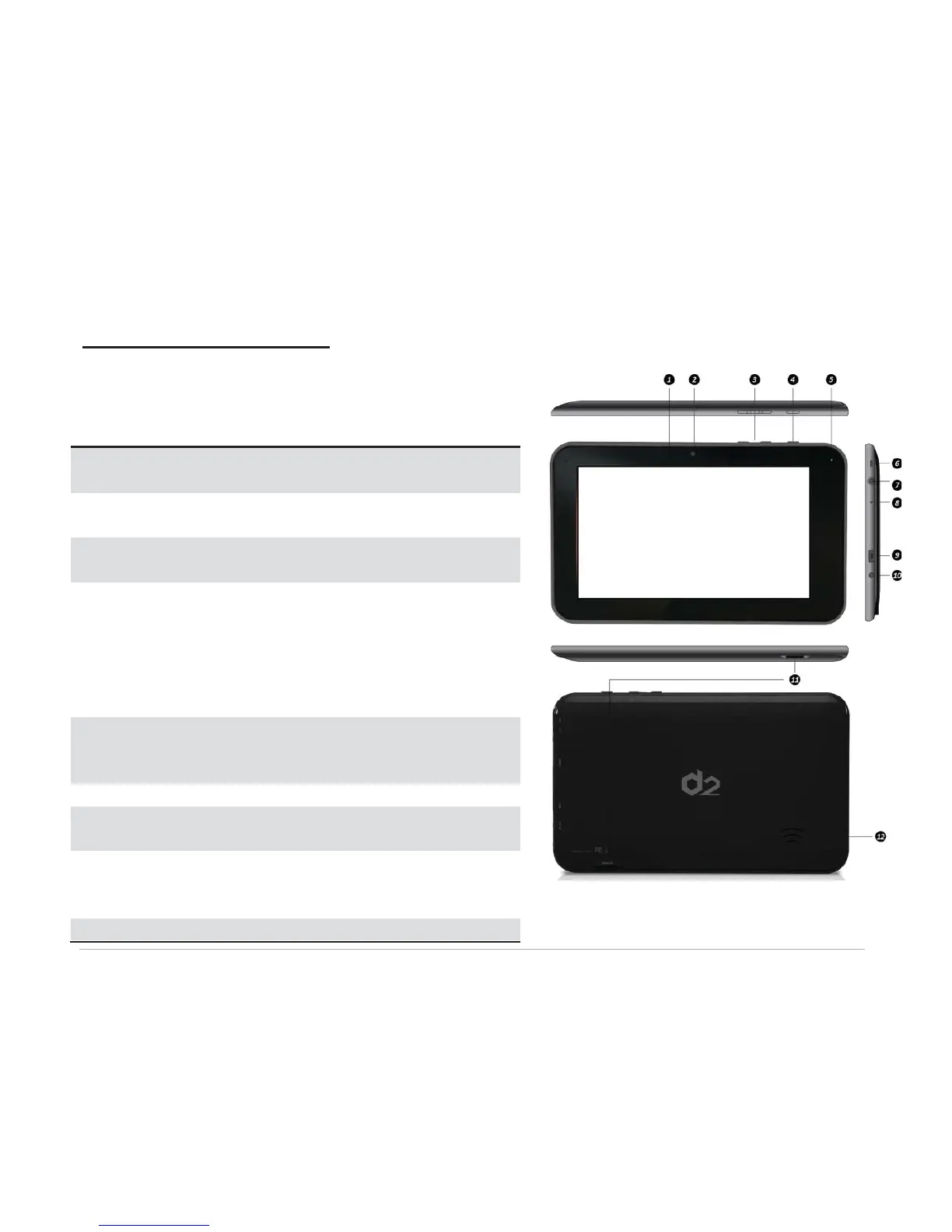
Displays the user interface and
interacts with touch input.
For video-chatting and/or taking
photos.
Press left key to lower volume;
right key to raise volume.
• Press and hold to turn the D2
Pad on or off.
• Press to turn the backlight
on/off and put the D2 Pad into
sleep mode.
Charging
Status
Indicator
Lights red while battery is
charging.
Connects to an earphone using a
3.5mm audio jack.
Insert a pointed object, like a
paper clip, to reset system
settings to factory default.
Connects to a PC using the



 To Next Page