D2 PAD | 25
4.4 System
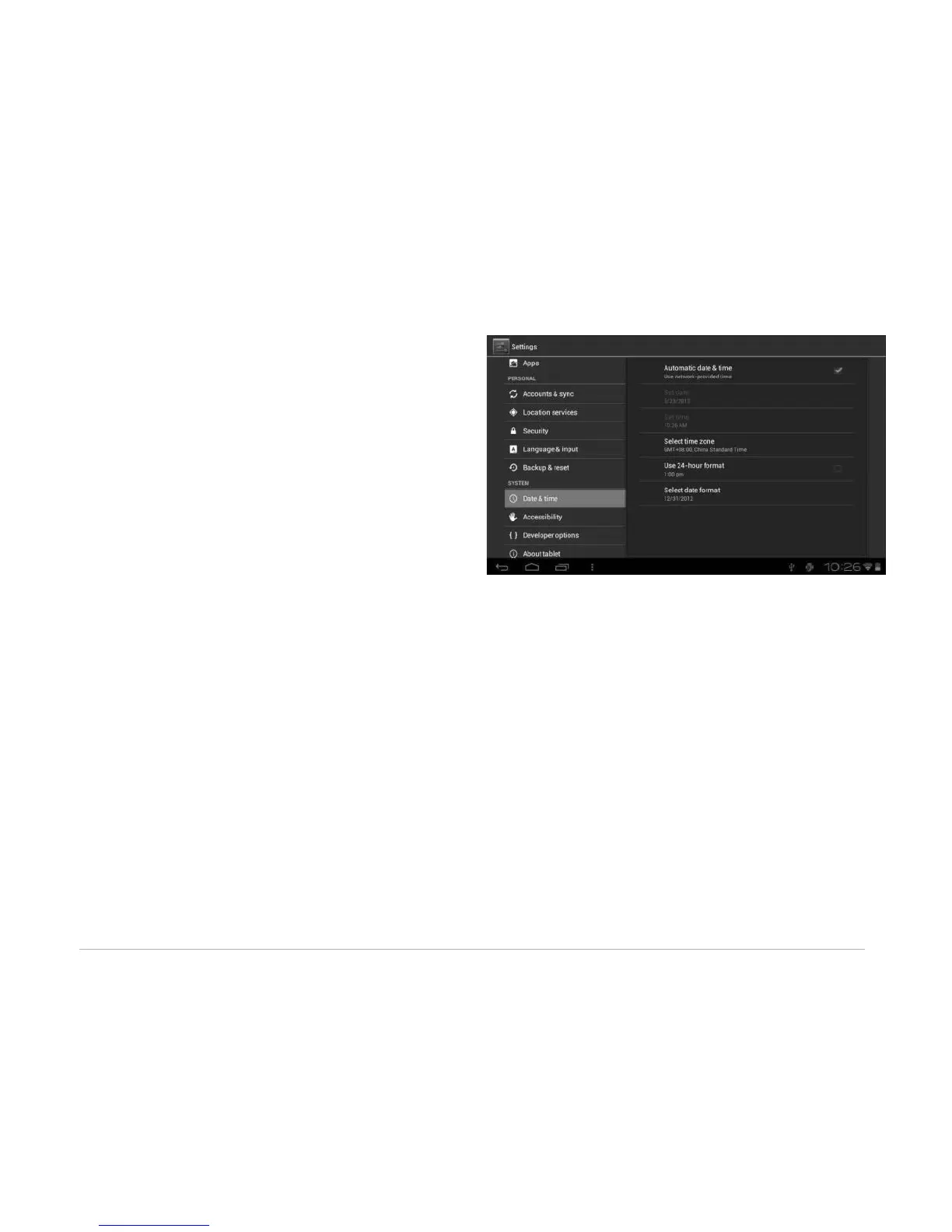
4.4.1 Date and Time
Set the date, time, time zone and format.
• Automatic date & time: Use the time on the network; requires Internet access and system reboot to
take effect.
• Set date: Access date setting interface and set the date.
• Set time: Access time setting interfaces and set the time.
• Select time zone: Access time zone setting interface and set time zone.
• Use 24-hour format: Set display format of the time.
• Select date format: Display the date by selecting different date format.
4.4.2 Accessibility
SYSTEM
• Large text: Select the size of the system display font.
• Auto-rotate screen: Adjust the screen direction according to the G-sensor.
• Speak passwords: Choose to say passwords verbally instead of typing them.
• Touch & hold delay: Set the response speed of the touch screen.



 To Next Page