D2 PAD | 14
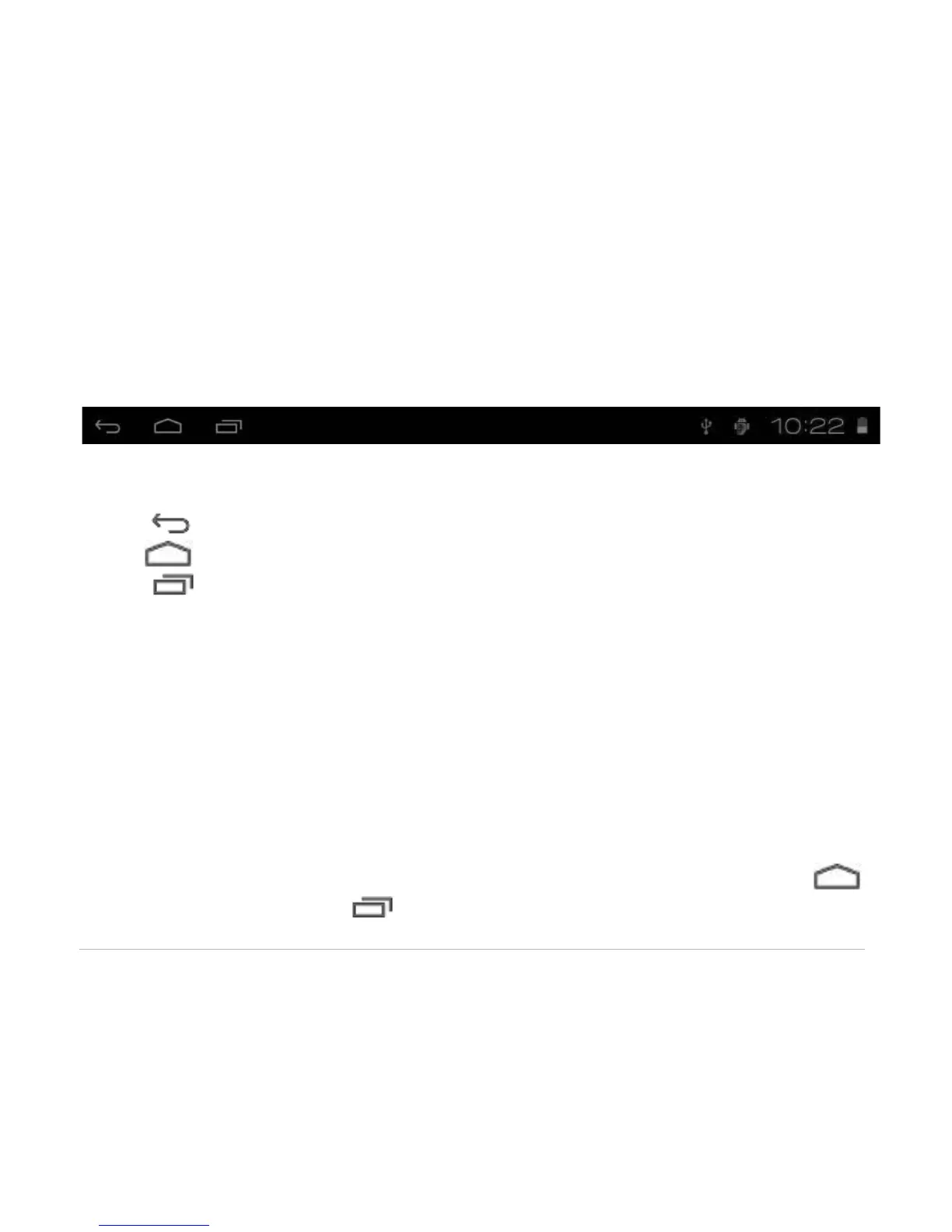
3.3 Status Bar
The status bar is located at the bottom the screen.
The icons on the left side are:
• Return : Tap to return to previous screen.
• Home : Tap to return to home screen.
• History : Tap to view the most-recently accessed applications.
The icons on the right side display Wi-Fi signal, Wi-Fi connection status, battery power/battery charging
status, current time, USB and SD card connection status. Tap the icons to view the date and time and other
information.
3.4 Using the Touch Screen
The D2 Pad is equipped with a 7” touch screen. The following describes the main touch screen area, and
tips on how to properly use it.
Whichever interface you are in, you can return to the home screen directly by touching the Home
icon. You can also touch the History icon to view recently accessed applications.



 To Next Page