D2 PAD | 23
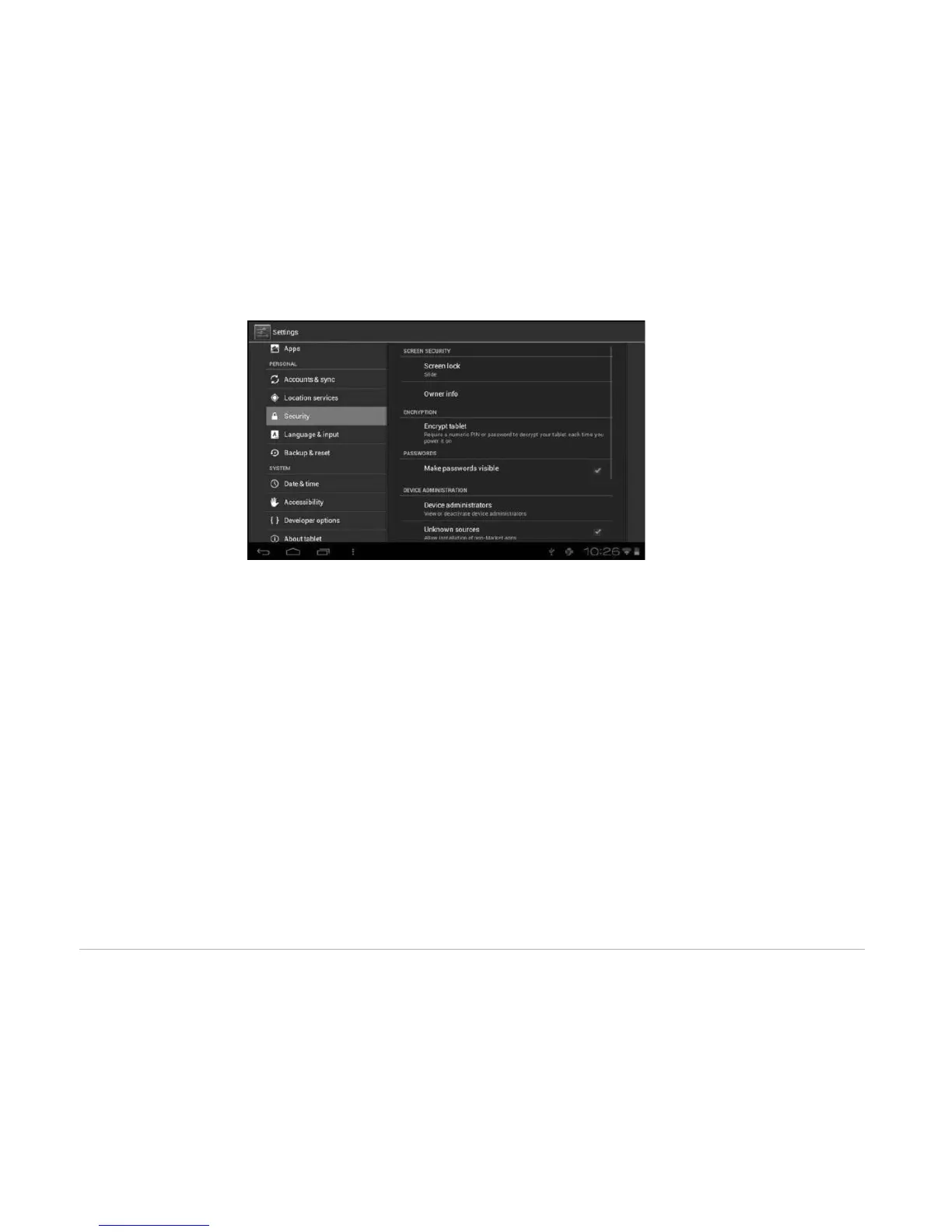
CREDENTIAL STORAGE
Ascertain the legality and credibility of the program with some credentials CA.
• Trusted credentials: Store trusted credentials used by the system or the user.
• Install from SD card: Import trusted credentials from the SD card.
• Clear credentials: Clear all credentials recorded by the system, generally can’t be selected by default.
4.3.4 Language and Input Method
This menu allows you to choose the system display language and input method.
• Language: Choose the system language, with 60 options.
• Spelling correction: Based on the selected language, the system assists to correct spelling errors.
• Personal dictionary: Customized words defined by the user, null by default.



 To Next Page