D2 PAD | 19
*Note: The D2 Pad recognizes Wi-Fi networks that it has connected to before. Once Wi-Fi is turned on and
a known connection is detected, the device automatically connects to that network.
4.2 Device
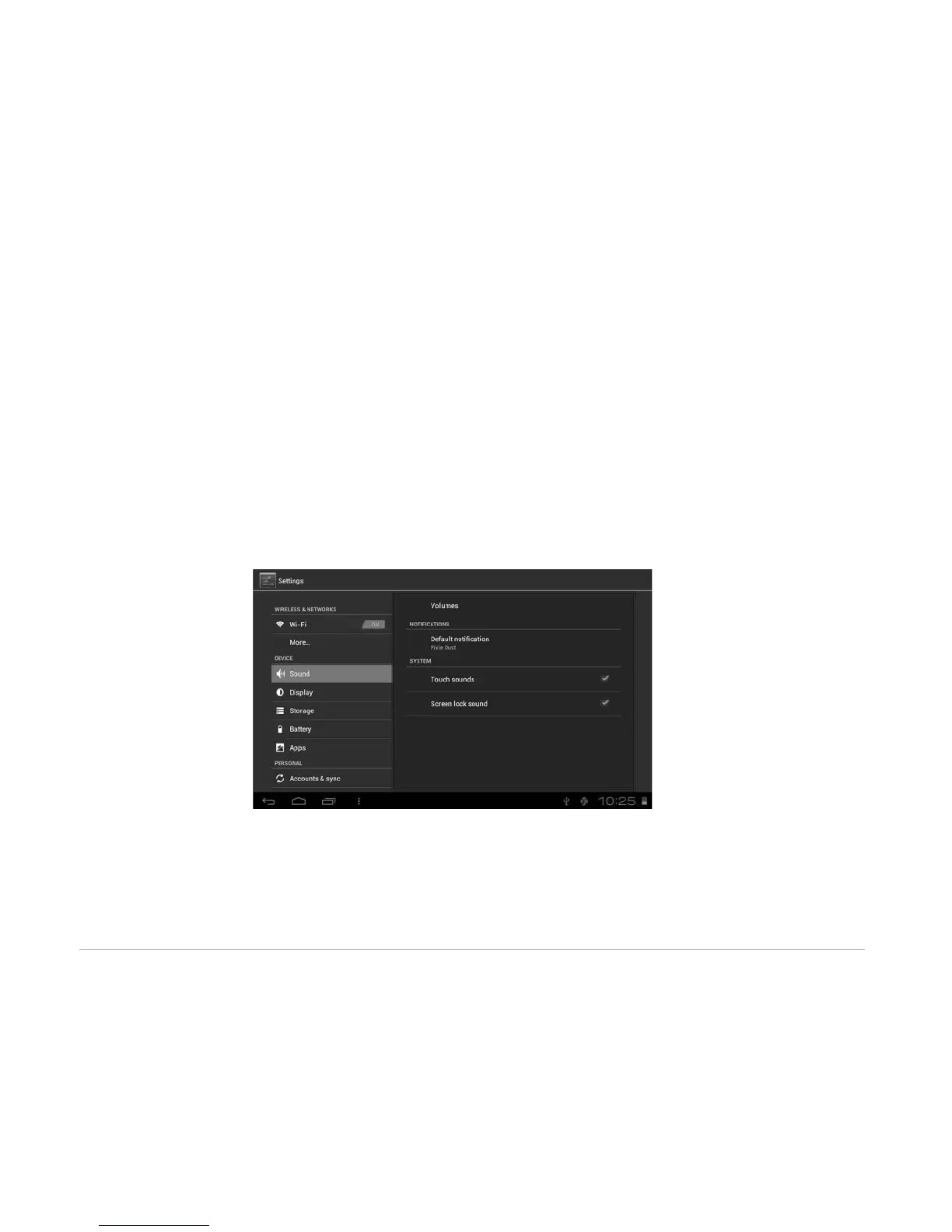
4.2.1 Sound
Set the tone and sound notifications.
• Volumes: Includes volume adjustments for Music, Video, Games and other medium, notifications and
alarm clock. Drag the slider bar to adjust the volume.
• Default notification: Set the default notification ringtone.
• Touch sounds: Activate sound when you make selection on the screen.
• Screen lock sound: Activate sound when you unlock or lock the screen.



 To Next Page