D2 PAD | 22
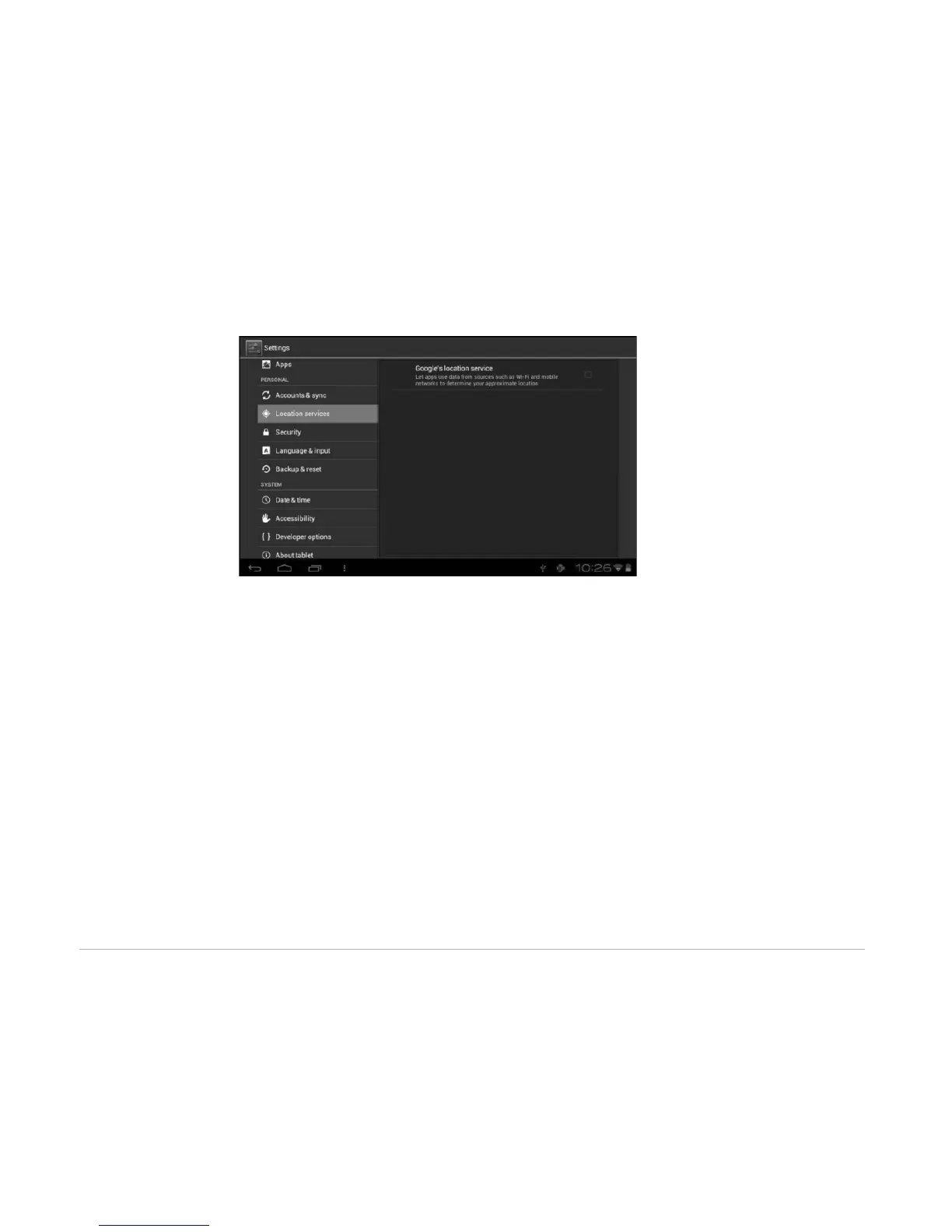
• Google’s location service: When checked, applications use data from Wi-Fi or mobile networks to
determine your approximate location.
4.3.3 Security
The Security menu allows you to set device security options.
• Screen lock: Select the method of unlocking the screen.
• Owner info: Display the owner information on a locked screen.
• Encrypt tablet: Encrypt the device with a PIN or password.
• Make passwords visible: Display password characters as you type them on screen.
• Device administrators: View or deactivate device administrators.
• Unknown sources: Run and install application programs not from Google market.



 To Next Page