D2 PAD | 13
3.2 Wallpapers
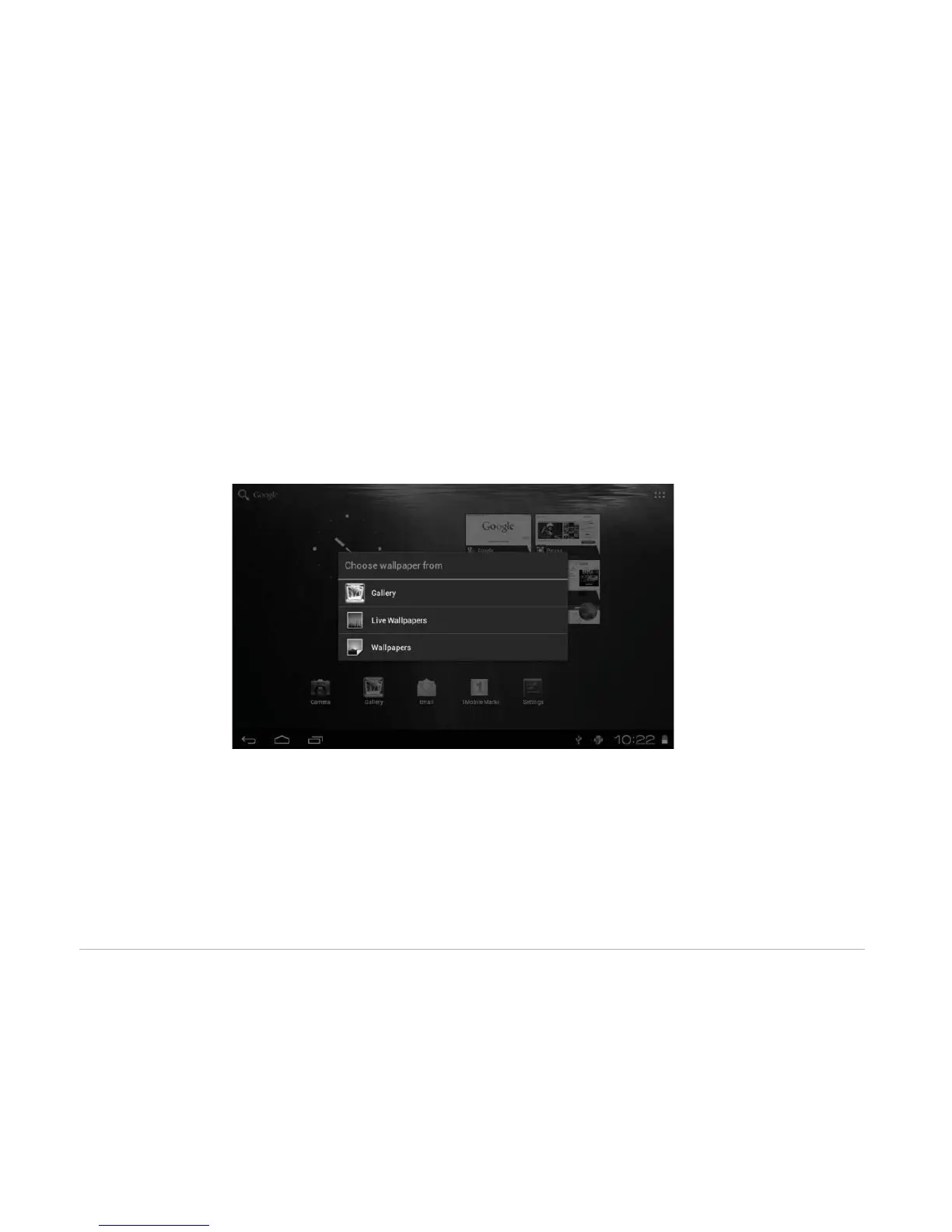
Long press the touch screen and the Wallpaper option will appear.
• Gallery: Choose a picture saved in your photo gallery or a picture taken by the device camera to use as
the background of the home screen.
• Live Wallpapers: Choose a moving graphic from Live Wallpapers to use as the background of the home
screen.
• Wallpapers: Choose a picture from the default system pictures to use as the background of the home
screen.



 To Next Page