D2 PAD | 17
4.1 Wi-Fi and Network
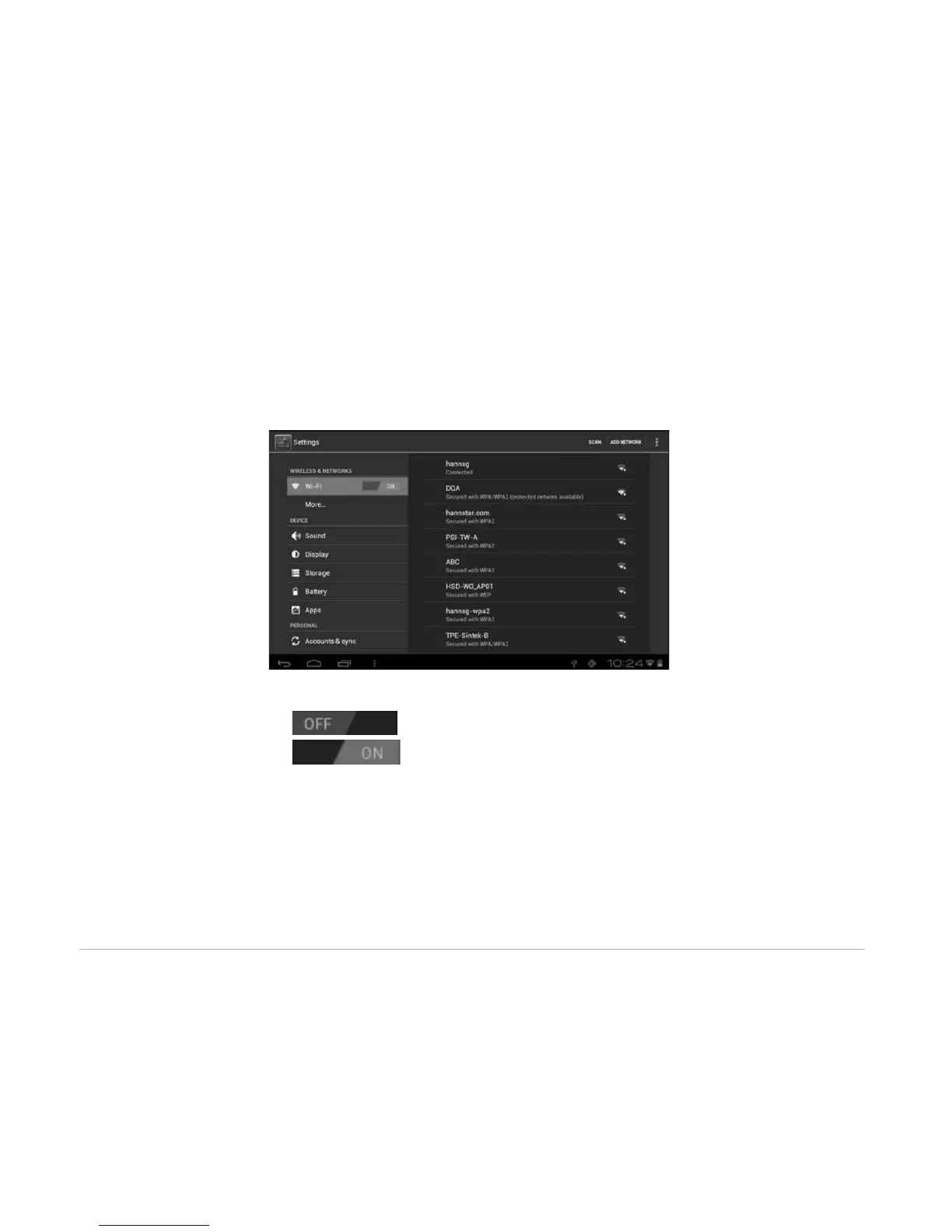
The Wi-Fi menu lets you manage Wi-Fi settings and connect to a wireless network.
Tap the Wi-Fi switch button to turn Wi-Fi on or off.
• The Wi-Fi icon displaying indicates Wi-Fi is turned off.
• The Wi-Fi icon displaying indicates Wi-Fi is turned on.
Connect to an Access Point
1. Turn on Wi-Fi. The device will search for available networks within range and display the searched
Access Point (AP) names on the right panel.



 To Next Page