D2 PAD | 15
In different applications, you can return to the upper layer or previous interface by touching the Return
icon.
In different applications, you can touch the Advanced icon to show relevant options available in the
application.
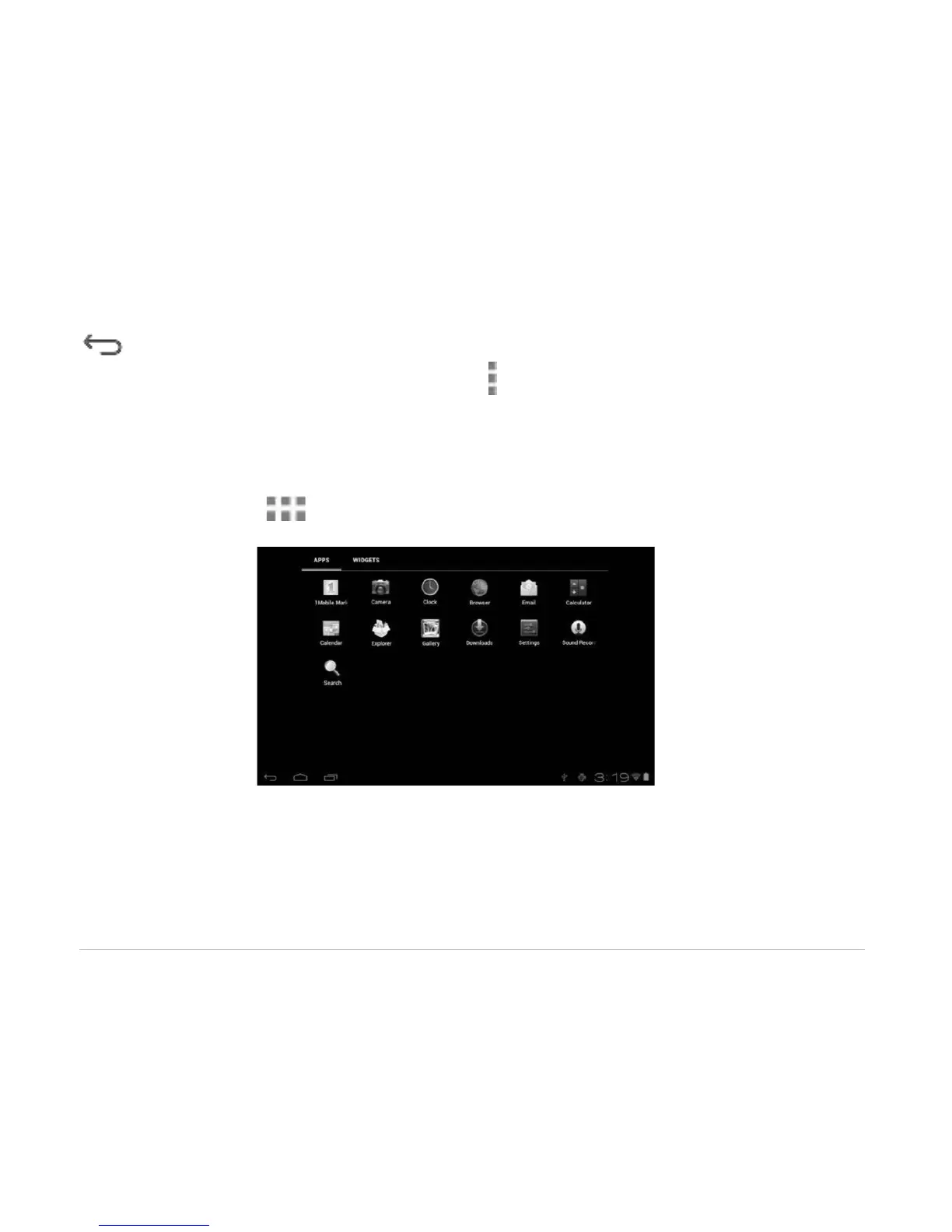
3.5 Application Menu
Tap the Application icon to view the application menu screen.
In the application menu interface, simply touch an application icon to open the application.
In applications with browsing capabilities, such as Explorer, Music, etc., you can drag the scroll bar up and
down or flick the screen to scroll the file list.
In Browser or PDF reader, touch and drag the page to scroll up/down.



 To Next Page