SYSTEM 3000 to 3505 CONVERSION MANUAL
DIGITIZE, INC. 700254-0001 REV B 02/04
Specifications Subject to Change Without Notice
2-4
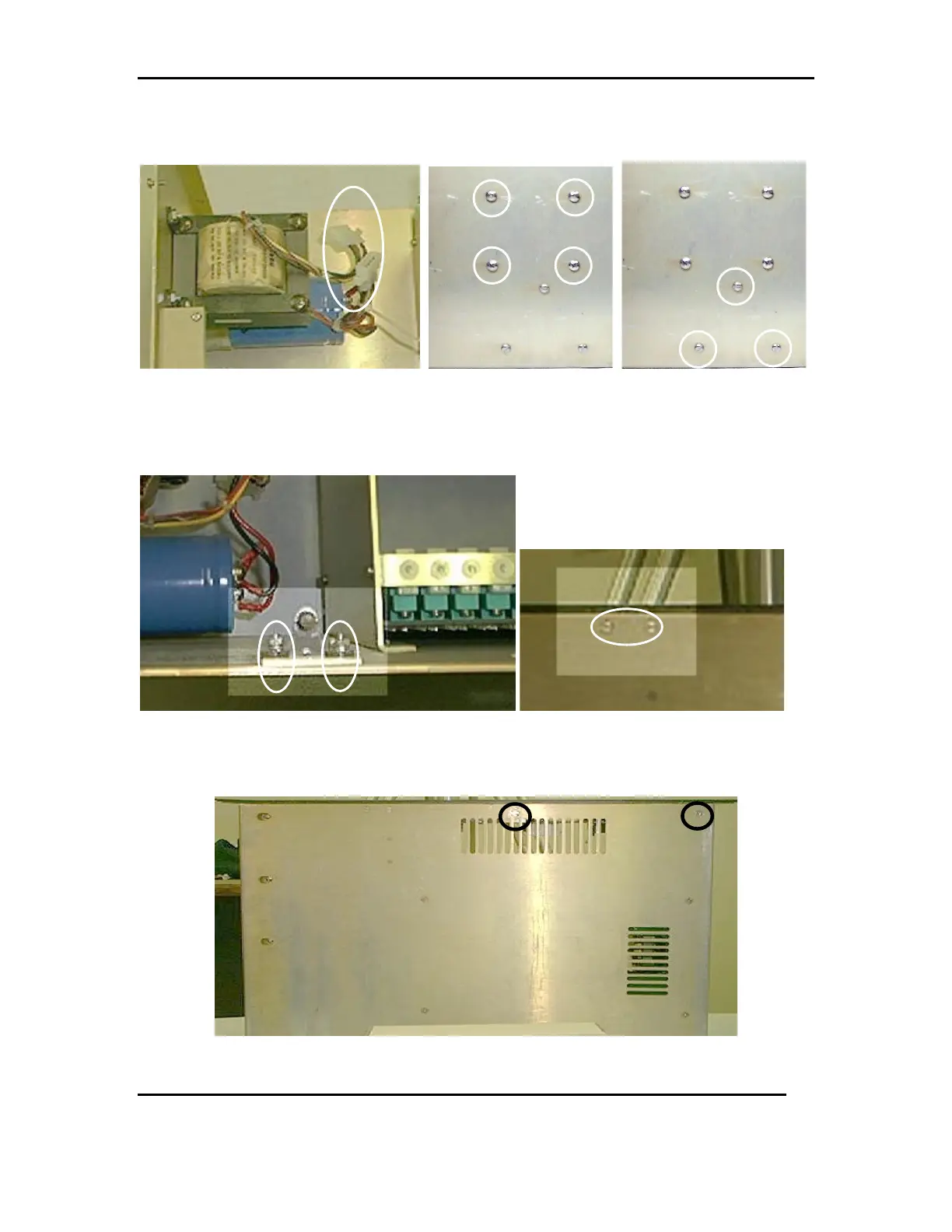
2.7.2 Remove the three screws holding the CAP bracket in place. Refer to FIG 8c
FIG 8a FIG 8b FIG 8c
2.8 Remove the Male Cabinet Latch by unscrewing the flat head screws located on the
bottom of the system. Refer to FIG 9a and 9b
FIG 9a FIG 9b
2.9 Remove the front panel by unscrewing the two machine screws located on the
bottom of the chassis. See FIG 10a. Save for later.
FIG 10a



 To Next Page