©2012 Digitrax, Inc. www.digitrax.com 21
Move the Direction Control Lever to the #&+& or &*&' position
and the loco will accelerate at the programmed brake rate to the speed on the
throttle knob. As the loco accelerates, the BRAKE Indicator Light will flash
during acceleration and go off when the loco has reached the speed set on the
Throttle Knob.
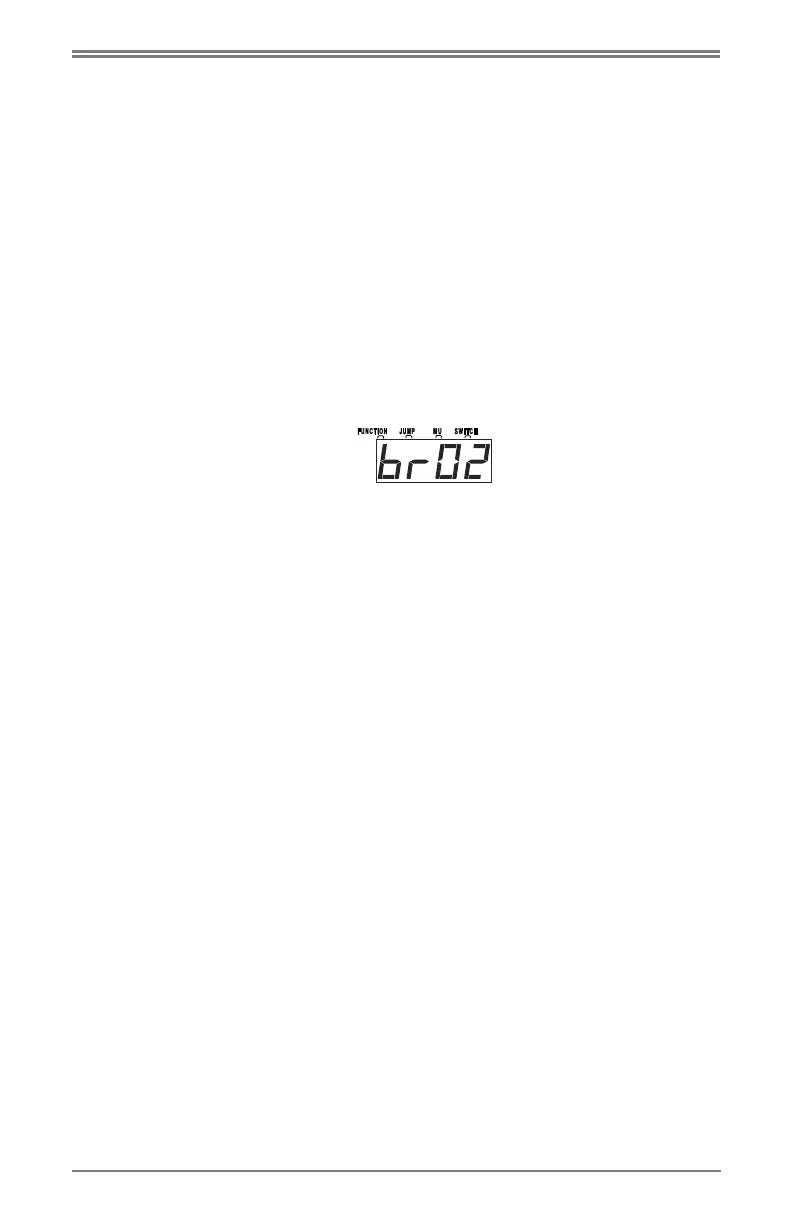
The DCS51 is shipped with the brake rate set at 02. This gives a small amount
of deceleration when the brake is applied and a small amount of acceleration
when the brake is released.
To change the brake rate:
1. Press the
$&# key. The display shows the last programming mode used.
2. Press the !) key. The display shows id00.
3. Press the !) key again. The display shows SPXX where XX is the current
speed limit set for this DCS51.
4. Press the !) key again. The display shows brXX where XX is the current
brake rate set for this DCS51.
Use the keypad to enter the
new brake rate for the
DCS51. Setting brake rate at 00 turns the brake feature off. A setting of 01
gives a fast braking (deceleration rate) and startup (acceleration rate) effect
and a setting of 15 gives the slow braking (deceleration rate) and startup
(acceleration rate) effect when the brake is used.
5. Press the ,( key to set the new braking rate and return to normal opera-
tion.
NOTE: Changing the brake rate only affects the locomotive controlled by
the DCS51 throttle. It does not affect the the decoder programming.
Braking can also be handled on a loco by loco basis if you set up each decoder
with acceleration and deceleration rates that simulate the scale effects of brak-
ing the train. Then when you command an instant reverse, the system will sim-
ulate braking by slowing down the locomotive at the programmed deceleration
rate, come to a stop and then accelerate at the programmed acceleration rate in
the opposite direction.
:3?53;1F'A<=
To stop everything on the layout immediately:
Press the
$#+& key to turn off power to the whole layout. This option will
stop everything on the layout. Do not turn Track Power off during a short.
Clear the short first. The Zephyr Xtra shuts off when it sees a short to protect
itself.
Having Trouble Stopping? If the deceleration CV value you set for a particu-
lar loco is very large, this can make it look like the loco is not stopping on
command because the deceleration CV value is causing the loco to take a long
time to come to a stop.



 To Next Page