©2012 Digitrax, Inc. www.digitrax.com 31
for as long as the key is held down. This lets you vary the length of time that
the horn or whistle blows, just like the prototype.
If you want Function 2 to remain on:
1. Press and hold the #&" key.
2. Press and hold the ,( key.
3. Release the #&" key
4. Release the ,( key.
B;1A7<;'A/;2/?2<?!<:3;A/?F#=3?/A7<;
#)$ & key operates Function 3 and is labeled with a #)$ & icon to
remind you that this is the preferred function key for coupler operation.
The DCS51 treats Function 3 is a normal on/off function unless you set it up as
a non-latching function like Function 2. This means that F3 can be used either
as a normal function or to control a function that requires a momentary activa-
tion like some couplers.
!)(B;1A7<;3F
The DCS51 has a MUTE key that is an alternate to the F8 key that is common-
ly used to mute sound decoders. This key also indicates the current state of
F8/MUTE for the adressed locomotive, and when the indicator light is on, F8 is
ON and a sound decoder will be muted.
Note: Some Sound decoders may use functions other than F8 for mute. In
the case of these decoders, the DSC51 MUTE key will operate F8.
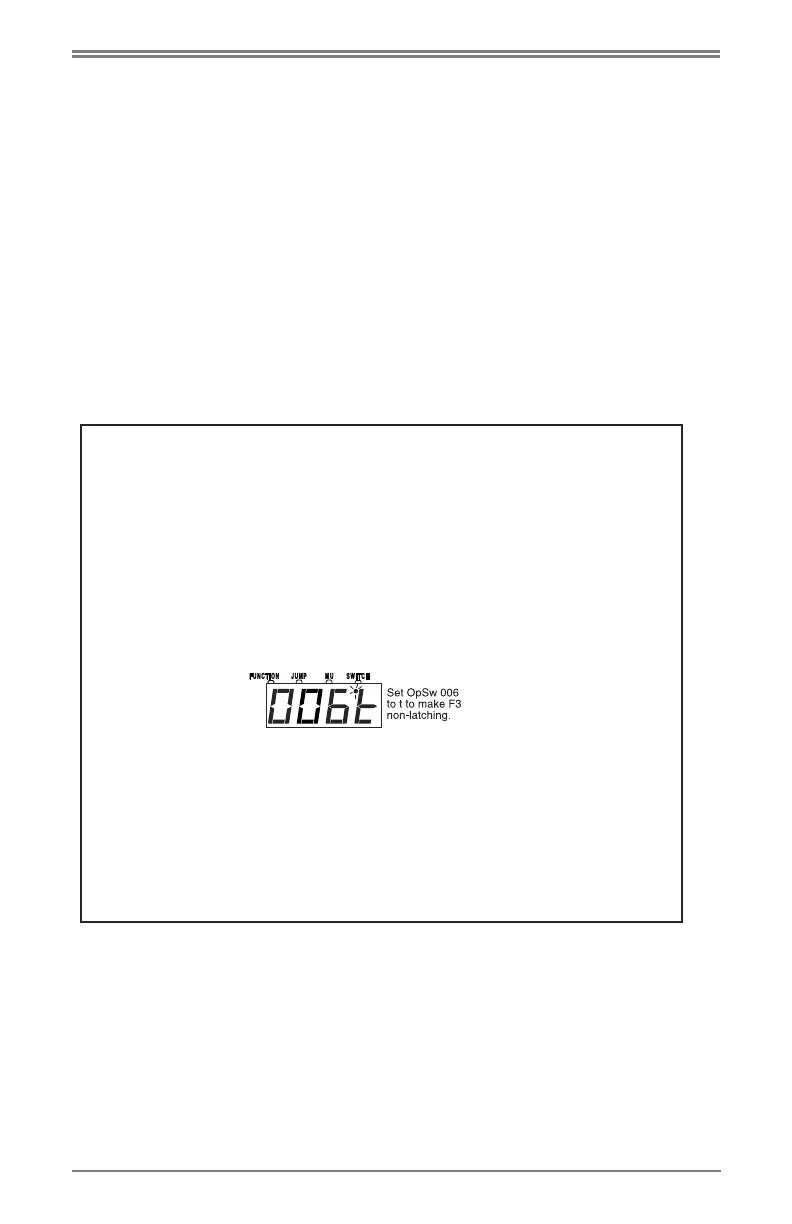
To set up Function 3 as a non-latching function, set the DCS51’s
Option Switch 6 to closed as follows: (or follow instructions of sec-
tion 28)
1. Press the $&# key. The last programming mode used by the
DCS51 will be displayed.
2. Press the '+( key. The display shows the last switch used by
the DCS51.
3. Use the numeric key pad to enter . This tells the system that you
want to change Option Switch 6, the OpSw that controls whether
F3 is latching or non-latching.
4. Press the 1 key to make F3 non-latching. OR Press the A key to
make F3 a normal latching on/off function.
5. Press the Exit key to complete the set up of F3 as a non-latching
key. This will cause the #)$ & key to operate Function 3 as a
non-latching function for this particular DCS51 and any attached
Jump Throttles. Other throttles (including other DCS51s) in the sys-
tem will not be affected.



 To Next Page