Page 22
Reflections Collection
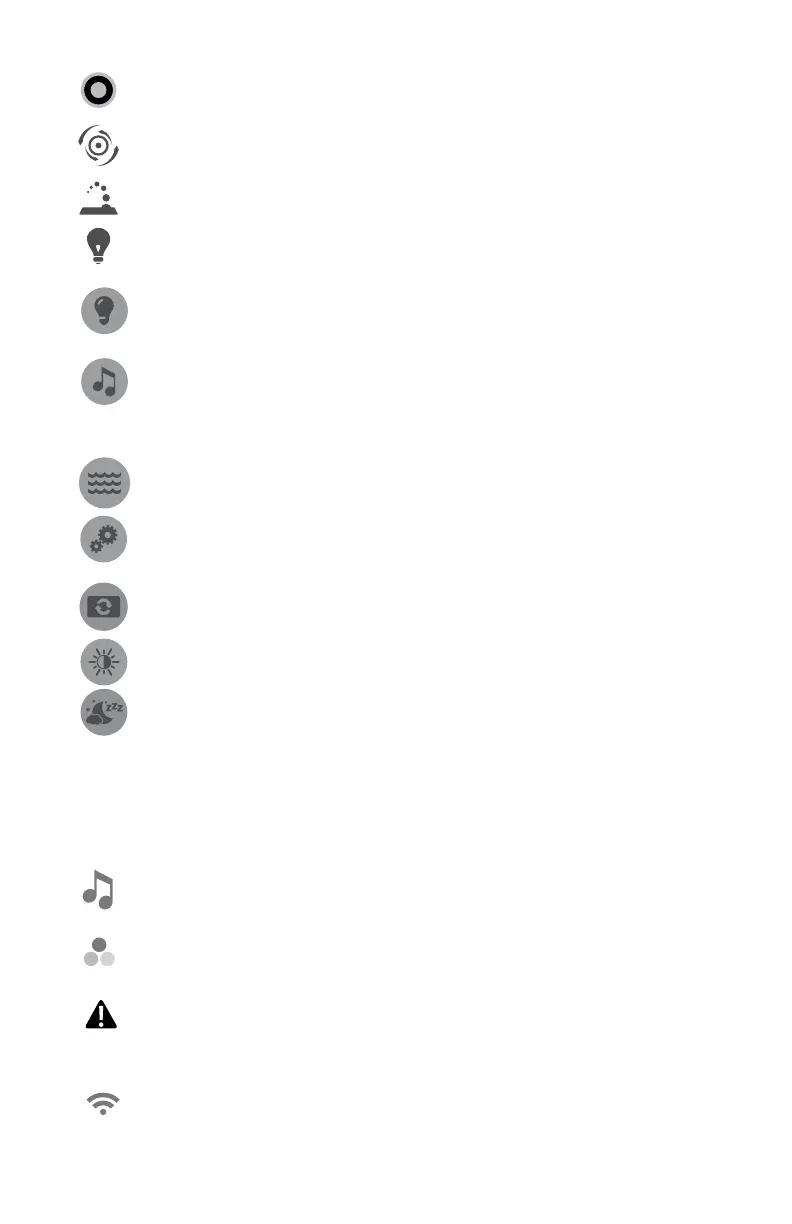
= All ON/OFF Button: Tap one once to activate all of the Jets
pumps and lights.
= Jet Button: Tap one of the Jets pumps button to activate,
page 23.
= Fountain Button: Tap button to activate the fountain(s).
= Light Button: Tap button to turn the lights on or off. Will
default to the last setting used.
= Lighting Effects Button: Tap to access the menu to operate
the various lighting options, page 24.
= Music Button: Tap to access the menu to operate the audio
system and settings, page 26. If the hot tub does not have
the stereo option, there will not be a button on the control
panel.
= Home Button: Tap any time to return to the Home Menu.
= Settings Button: Tap to access the programming and setting
menus, page 30.
= Invert Button: Tap to enter the invert selection menu.
= Contrast Button: Tap to enter the contrast selection menu.
= Snooze Button: Tap to enter a sleep mode. A message is
displayed prompting you to tap the icon to continue.
B. Status Notications
ThestatusnoticationsdisplayatthetopoftheHomeScreenmenu.
When certain components, features or programs are on, their icons are
represented there.
= Stereo System Icon: Displays whenever the stereo is on,
page 26.
= Lighting System Icon: Will displayed to show that a Liquid
FX™ system is connected, page 24.
= Error Indicator Icon: Displays when there is error message
that needs to be addressed. The icon will also appear under
the temperature reading as a reminder, page 45.
= D1 Spa Connect Icon: Displays when there is a Wi-Fi
connection to the home router.



 To Next Page