19
Cleaning
Reflector Screen Cleaning
The reector screen is cleaned in the factory during the assembly operation. During shipment, installation, handling,
etc., the screen may collect dust particles; these can be removed by dusting lightly with a clean dry cloth.
To remove ngerprints or other marks, clean the reector screen using a damp cloth. Never use abrasive cleaners.
Dry the screen completely with a lint-free cloth to prevent water spots.
Logs and Base Cleaning
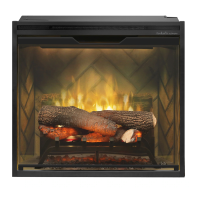
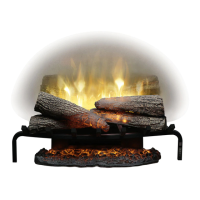
Use only a damp cloth to clean painted surfaces of the replace. Do not use abrasive cleaners.
The replace should not be operated with an accumulation of dust or dirt on or in the unit, as this can cause a build-
up of heat and eventual damage. For this reason the heater must be inspected regularly, depending upon conditions
and at a minimum yearly intervals.
Servicing
Except for installation and cleaning described in this manual, an authorized service representative should perform
any other servicing.
Maintenance
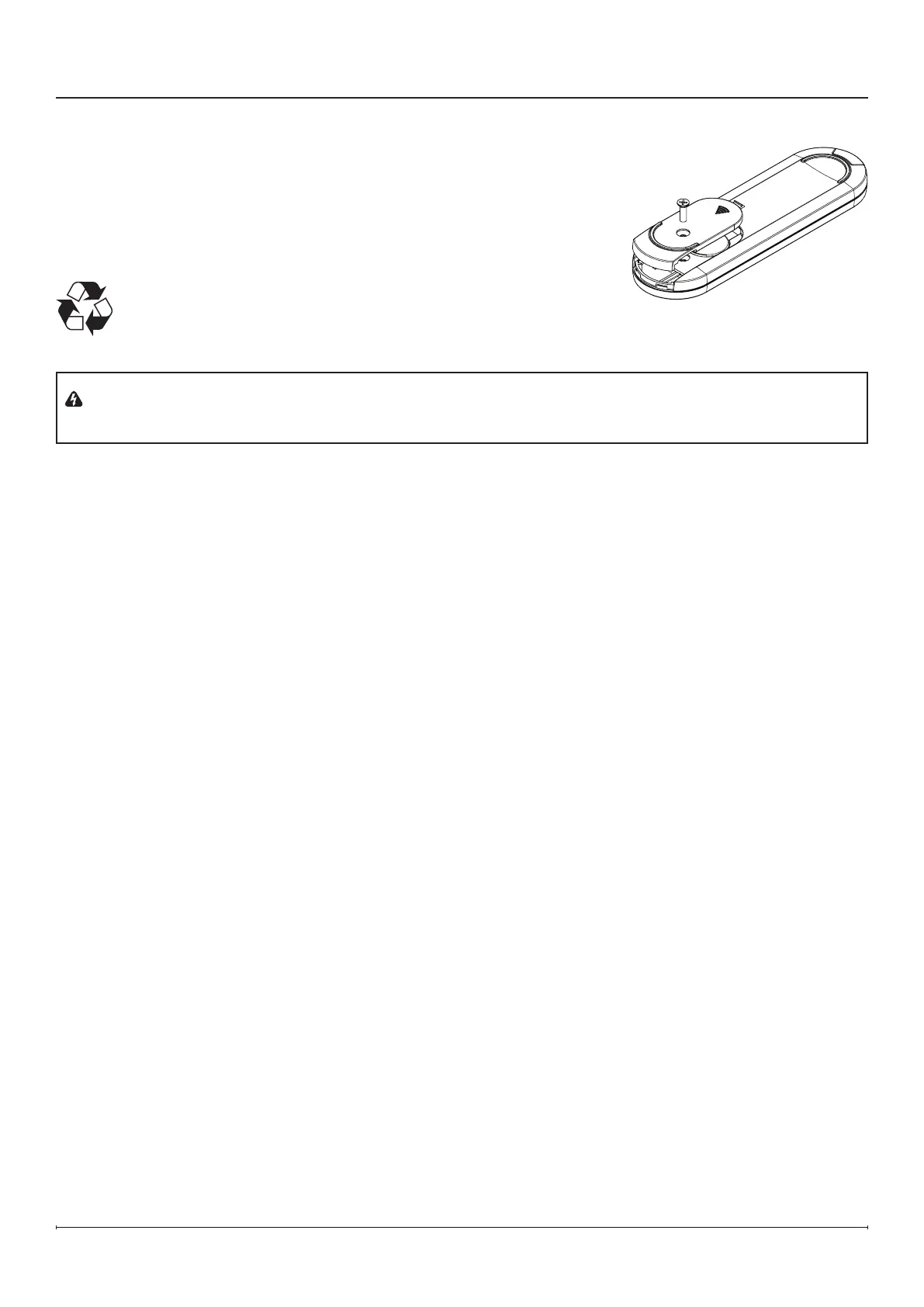
Remote Control Battery Replacement
1. Remove the battery cover screw using a Philips screwdriver.
2. Slide the battery cover open.
3. Install a 3V (CR2032) lithium battery in the battery holder. The positive (+)
side of the battery faces up.
4. Close the battery cover and secure with the screw.
The battery must be recycled or disposed of properly. Check with your
Local Authority or Retailer for recycling advice in your area.
WARNING: Disconnect power and allow heater to cool before attempting any maintenance or cleaning to
reduce the risk of re, electric shock or damage to persons.
Figure 18



 To Next Page