page 24 of 60 EXBOX.MD Manual - Version 1.0
Chapter 3: Installation
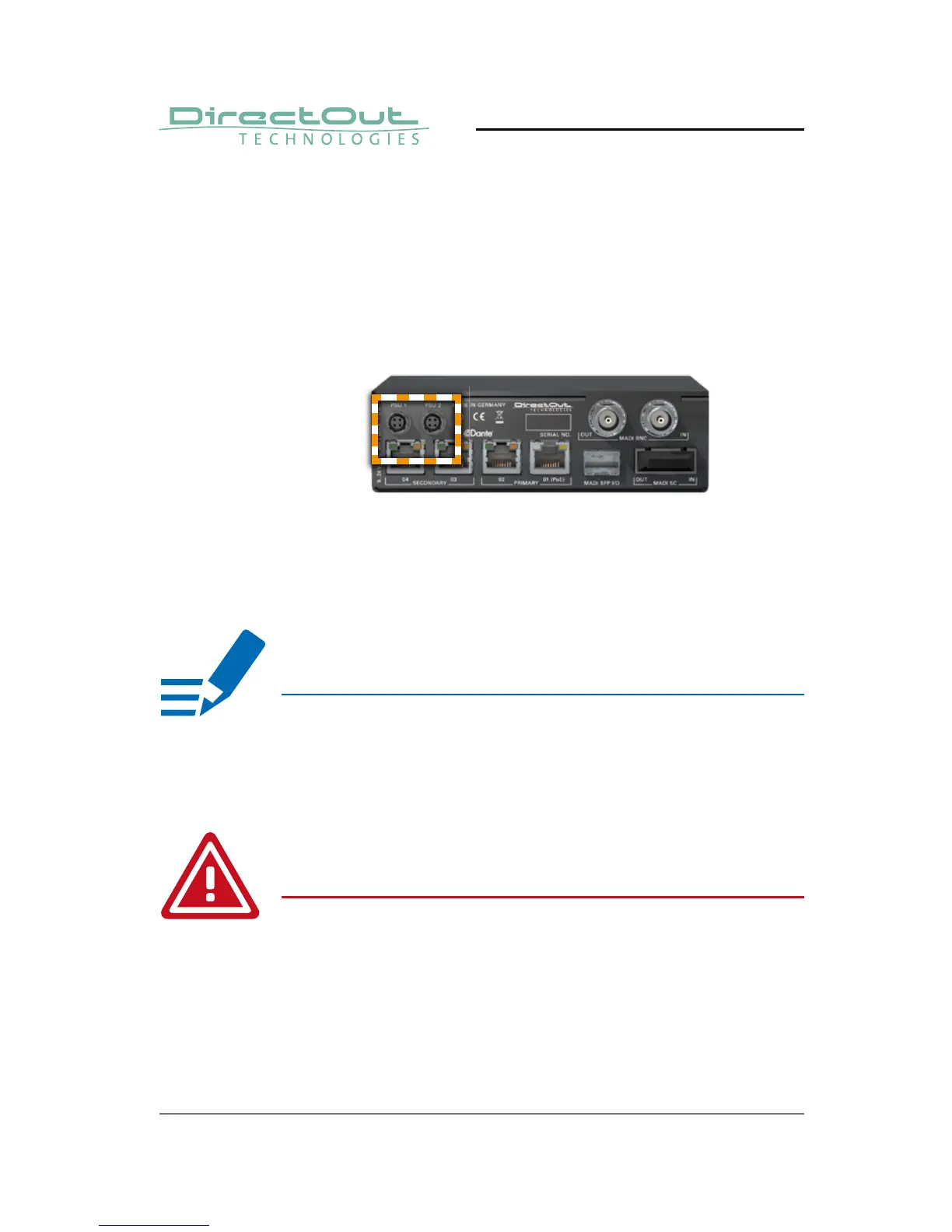
This device may operate with only one power
supply. To provide power supply redundancy, it is
recommended to connect both PSU1 and PSU 2 to
independent power supplies with separate fuses.
The shipment includes one external power supply
unit. Additional power supply units are available from
your local DirectOut representative.
The external power supply must be connected to
the mains using the three-cord power leads supplied
with the device. Only supply the voltages and signals
indicated (9 - 24 V DC) to the device.
6. Using the power cord of the external power
supply provided, connect the device to a
matching power supply and connect the
output of the power supply to the Hirose
connectors at the rear panel.
NOTE
WARNING



 To Next Page