141141
Step 3 - Verify that you are connected
To verify you are connected:
Press MENU on your DIRECTV Remote
Select Settings & Help
Select Settings
Select Network Setup
Choose Connect Now (or Test Connection if you have
connected previously)
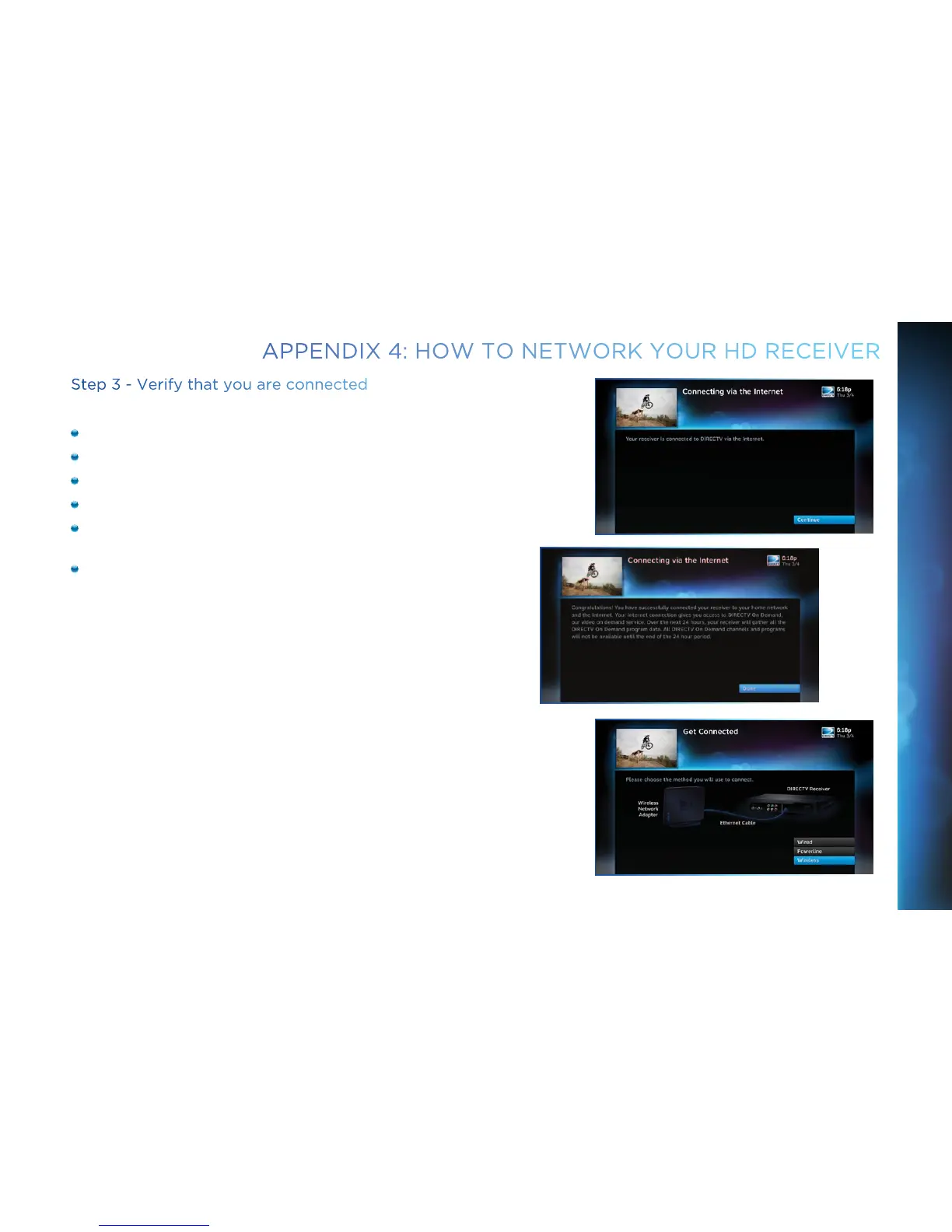
Select Continue after successfully connecting to DIRECTV via
the Internet (See figure A).
Select Done to complete the setup process (See figure B).
If your DIRECTV HD DVR does not immediately recognize the
network connection, you will get the option to choose the
connection method. Choose Wireless (See Figure C). Follow the
onscreen instructions.
Figure A
Figure B
Figure C
APPENDIX 4: HOW TO NETWORK YOUR HD RECEIVER
APPENDICES



 To Next Page