80
DIRECTV
®
HD DVR RECEIVER USER GUIDE
PARENTAL CONTROLS
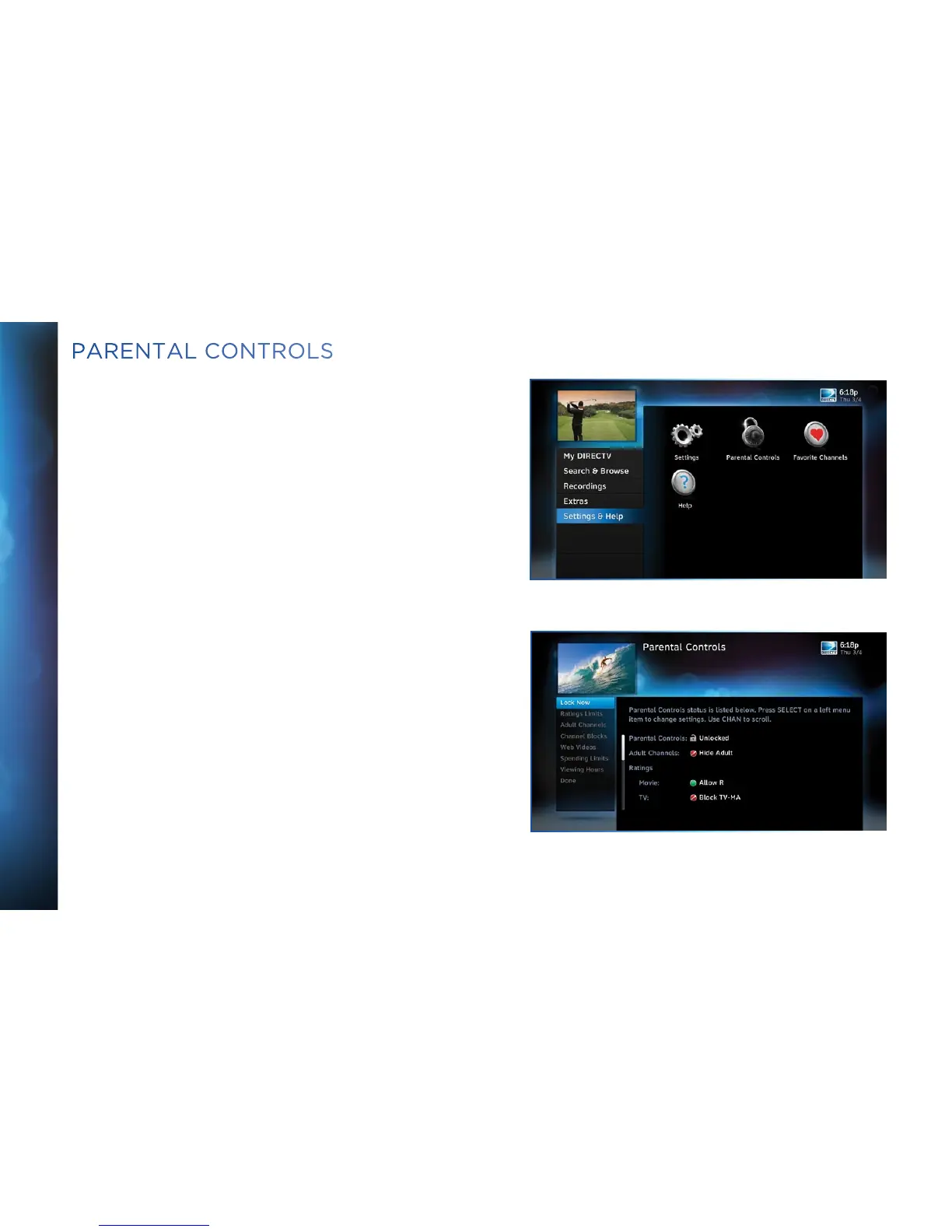
To review or update your Parental Controls settings, press
MENU, select “Settings & Help”, then “Parental Controls”.
You can also access Parental Controls by pressing INFO, then
selecting “Parental”, then “Parental Controls”.
Parental Controls enable parents to place certain restrictions
on just who’s watching what, and requires a passcode to view
restricted programming. Whether it’s for mature content,
spending amounts, or even the number of hours of TV watching
allowed, you’re always able to keep limitations where you want
them for the whole family. The system default is “unlocked”
for all categories.



 To Next Page