72
DIRECTV
®
HD DVR RECEIVER USER GUIDE
SETTINGS
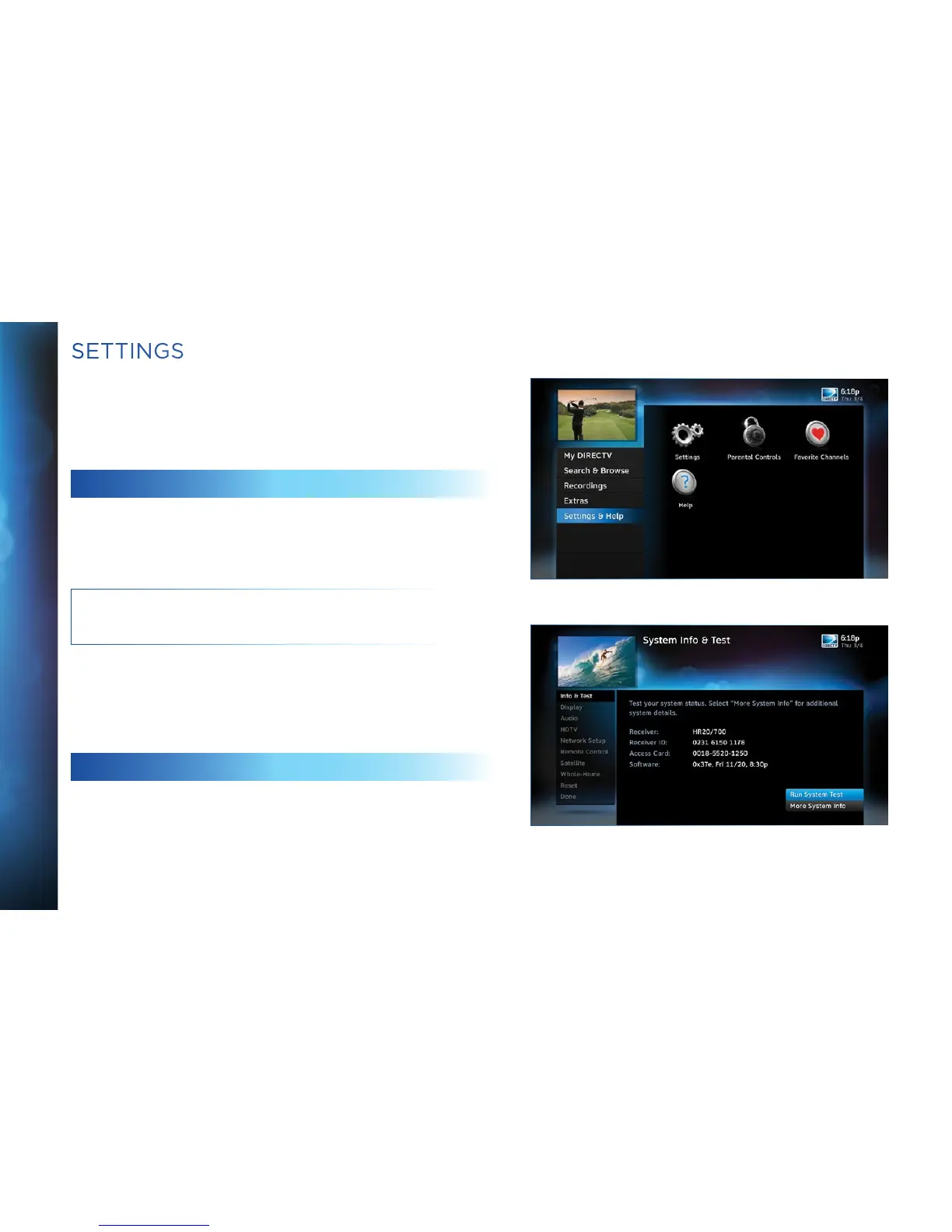
Press MENU, select “Settings & Help”, then “Settings” to review
or change your system settings. These include: audio options,
video format, TV resolution, network setup, remote control setup
and more.
INFO & TEST
Select “Info & Test” to display the System Info & Test screen.
Select “Run System Test” to initiate a test of the tuners, receiver
ID and phone line.
NOTE: Running the System Test will interfere with live TV and
any current recordings.
Select “More System Info” to review your basic system
information such as receiver model, receiver ID, access card
number, software version, etc.… as well as, current receiver
settings. This information can be useful during troubleshooting.
DISPLAY
Select “Display” and then select either “Preferences”,
“Captioning” or “Clock”.



 To Next Page