6363
DIRECTV
®
WHOLE-HOME DVR SERVICE
CHAPTER 5 - EXTRAS & SPECIAL FEATURES
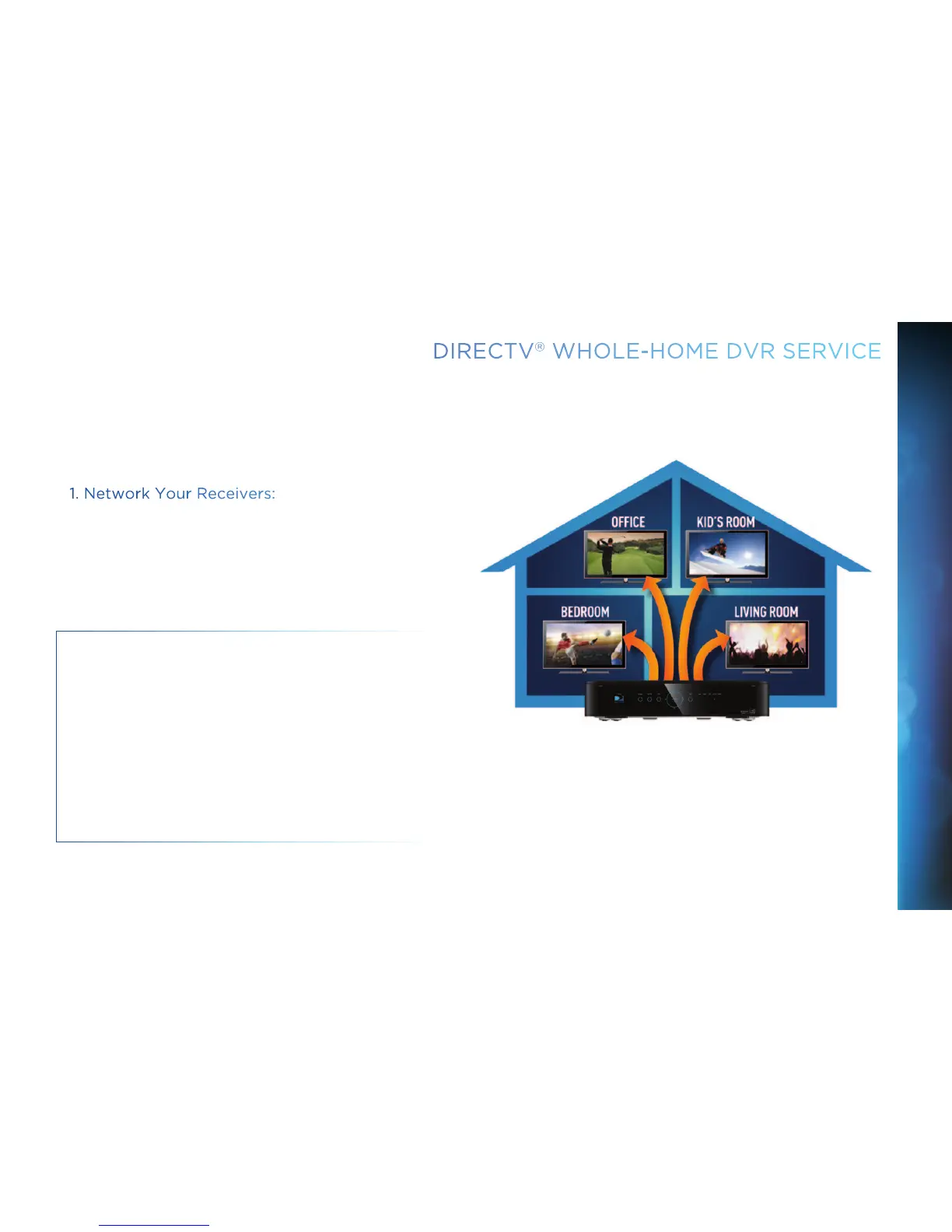
With DIRECTV’s Whole-Home DVR service and the proper
equipment, it’s like having a DVR in every room. Now even rooms
with HD Non-DVR receivers can schedule and watch recorded
programs. Start watching a recorded program in one room, stop
it, then continue watching it in another room.
1. Network Your Receivers:
When your HD DVR and HD Non-DVR receivers are networked,
it allows them to share content. This is typically completed by
an installer during your installation appointment. To learn more
about upgrade and eligibility requirements, go to directv.com/
wholehome. To get a quick understanding of how recorded
content is shared by your household, skip to step 7.
NOTE: To access DIRECTV
®
Whole-Home DVR service
functionality, you need a DIRECTV HD DVR receiver (models
HR34, HR24, HR20-HR23 with DECA), an additional Whole-
Home-capable receiver (models H25, H24, HR24, HR34, H21
with DECA, H23 with DECA, R22 with DECA,HR20-HR23 with
DECA) for each TV, a SWiM network, HD Access, DVR service
and DIRECTV
®
Whole-Home DVR service. There is a limit of
one remote viewing per DVR at a time. For Whole-Home DVR
to function, your receivers should never have an Ethernet cable
connected, unless it is connected to a DECA. H24, H25, HR24
and HR34 receivers should never have a DECA installed.



 To Next Page