62
DIRECTV
®
HD DVR RECEIVER USER GUIDE
SCOREGUIDE™
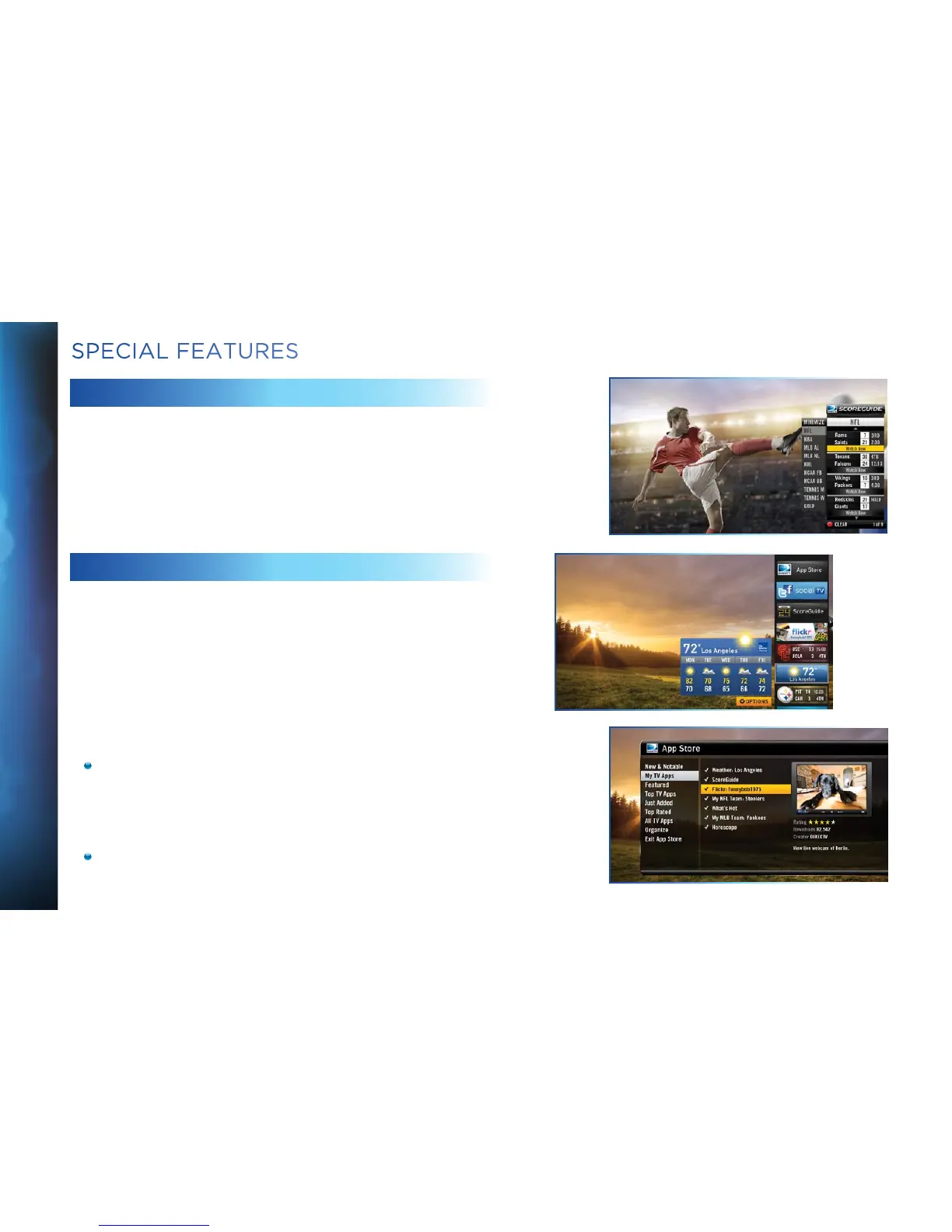
Interactive content, like scores, statistics and other information,
is available on some of our special sports and entertainment
channels. Look for an onscreen popup that lets you know
when interactive content is available and follow the onscreen
instructions to use the interactive features.
TV APPS
With DIRECTV’s exciting FREE TV Apps, like Flickr
®
, ScoreGuide™,
5-Day Weather Forecast and Webcams, you can view your favorite
pictures, get up to the minute scores, check your local weather,
see live feeds of popular vacation sights and much more — without
missing a second of what you’re watching, all at the press of a
button. To enjoy TV Apps, your HD Receiver must be connected to
the Internet. See Appendix 4, “How to Network your HD Receiver”,
for instructions.
Press the Right Arrow button on your remote control to
launch TV Apps. Select the DIRECTV App Store icon at the
top of the TV Apps Dock and choose the apps you want.
You can also go to the online DIRECTV App Store on your
computer, at directv.com/tvapps.
Whenever you want to access your TV Apps, just press the
Right Arrow button and select the App you want to use.
SPECIAL FEATURES



 To Next Page