86
DIRECTV
®
HD DVR RECEIVER USER GUIDE
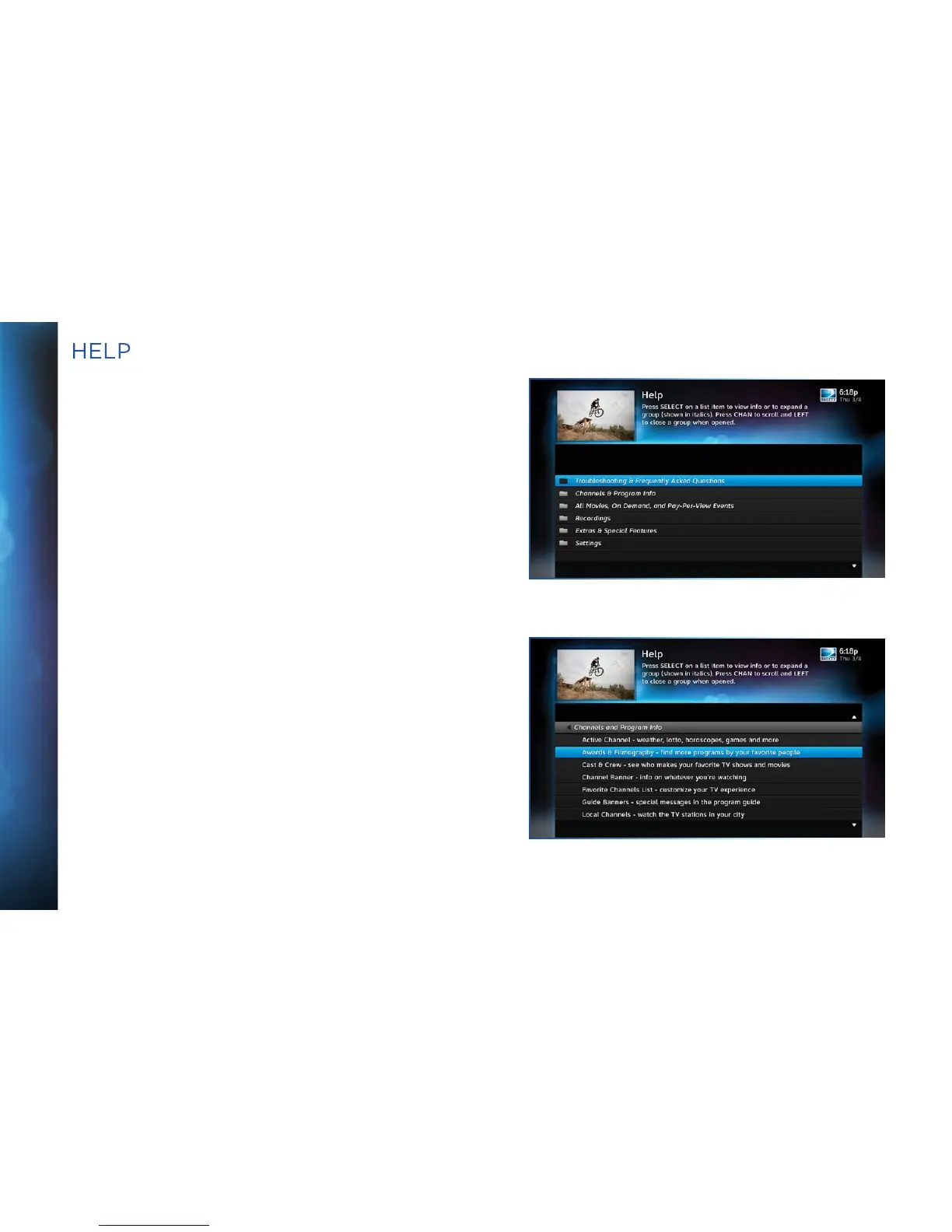
For helpful information about your receiver, as well as frequently
asked questions (FAQs), press MENU, select ”Settings & Help”,
then select “Help”. Select a category folder to see its contents,
then select a topic from the list for detailed information.
Tune to Channel 1 to access the interactive DIRECTV Customer
Information Channel. Watch videos on a variety of topics, such as
your remote control, receiver features, and troubleshooting. To
exit the Customer Information channel, press CHAN UP/DOWN,
press GUIDE, or enter a channel number to tune to.
You can also find answers to all your questions on DIRECTV’s
Answer Center at support.directv.com.
HELP



 To Next Page