7373
SETTINGS
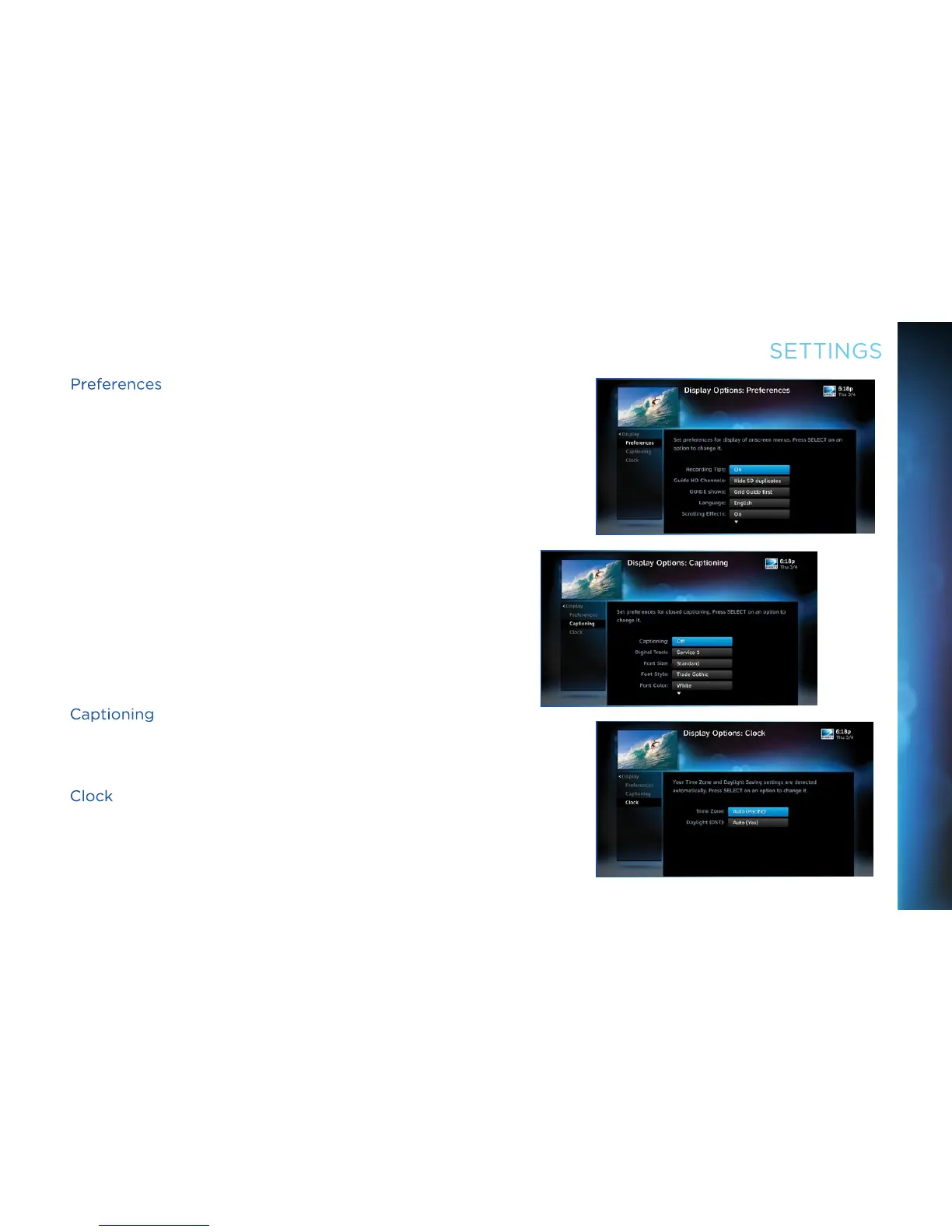
Preferences
These are user interface display settings which include:
Recording Tips: Turn “On” or “Off” helpful tips that display
onscreen whenever you schedule a recording.
Guide HD Channels: Choose whether you want the guide to
show HD channels and their duplicate SD channels or to hide
the SD duplicates.
Guide shows: Select whether you want the first press of the
GUIDE button to take you directly to the program guide or to go
to the category filter first.
Language: Select your preferred onscreen text language.
Scrolling Effects: Turn scrolling effects on or off. This affects
the appearance of large text areas when they scroll.
Banner Time: Set the channel banner time to determine how
quickly the banner disappears after moving to a new channel.
Captioning
Select “Captioning” to turn closed captioning on or off, and to
select the font style, size and color for the display of captions.
Clock
Select “Clock” to set your time zone and whether you want the
receiver to show Daylight Savings time or not.
CHAPTER 6 - SETTINGS & HELP



 To Next Page