5757
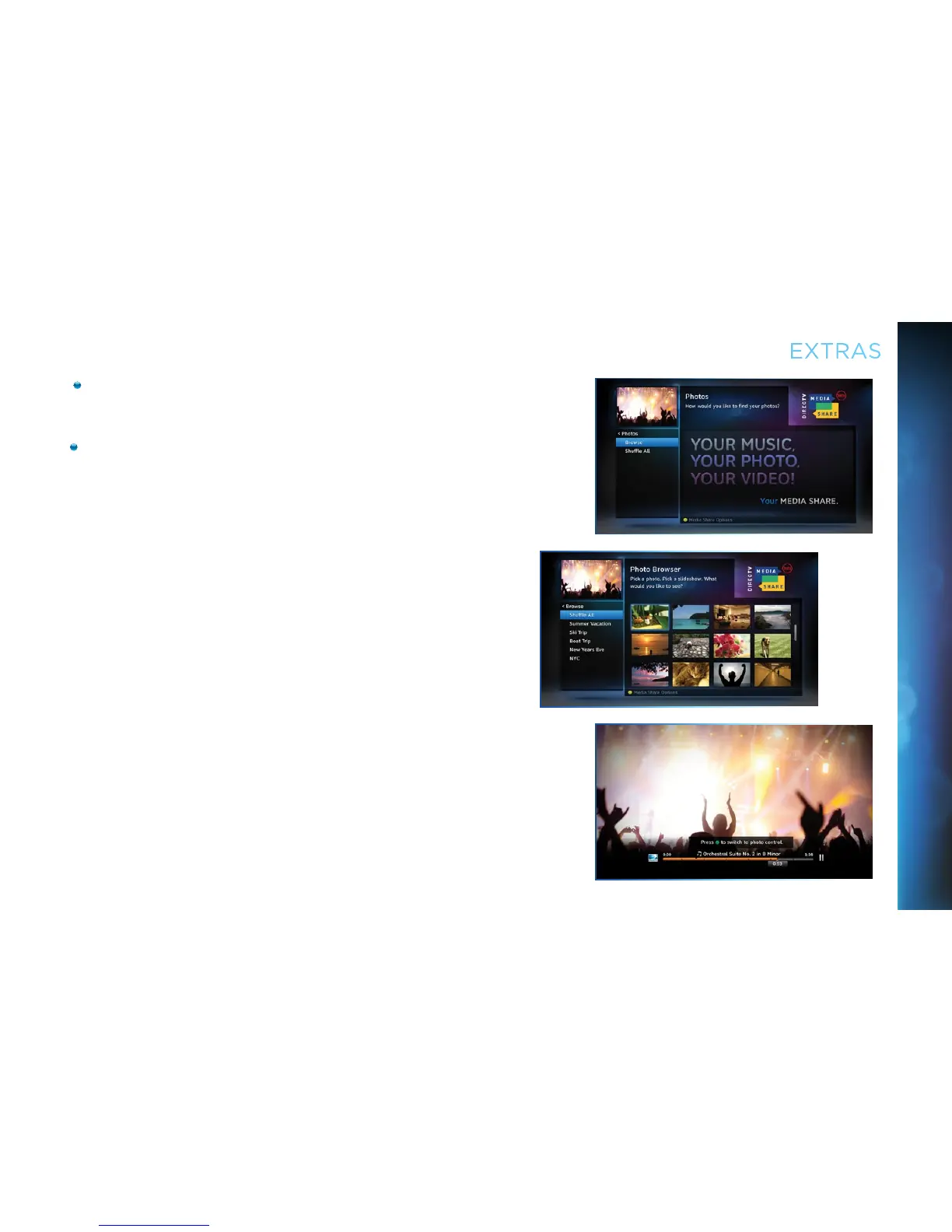
Select “Photos” to go to the Photos submenu. Select
“Browse” to see several photos at once.
The DVR controls on your remote allow you to stop, play
or skip through your music and photos. Press the GREEN
button on your remote to toggle among music, photos and
video control modes. Pressing the STOP button while in
music control mode stops the music from playing and the
audio from the current channel is then heard. Pressing the
STOP button while in photo control mode stops the display
of photos and displays the video from the current channel.
EXTRAS
CHAPTER 5 - EXTRAS & SPECIAL FEATURES



 To Next Page