CHAPTER 2 - Channels & Program Info
35
Chapter
1
Chapter
2
Chapter
3
Chapter
4
Chapter
5
Chapter
6
Chapter
7
Chapter
8
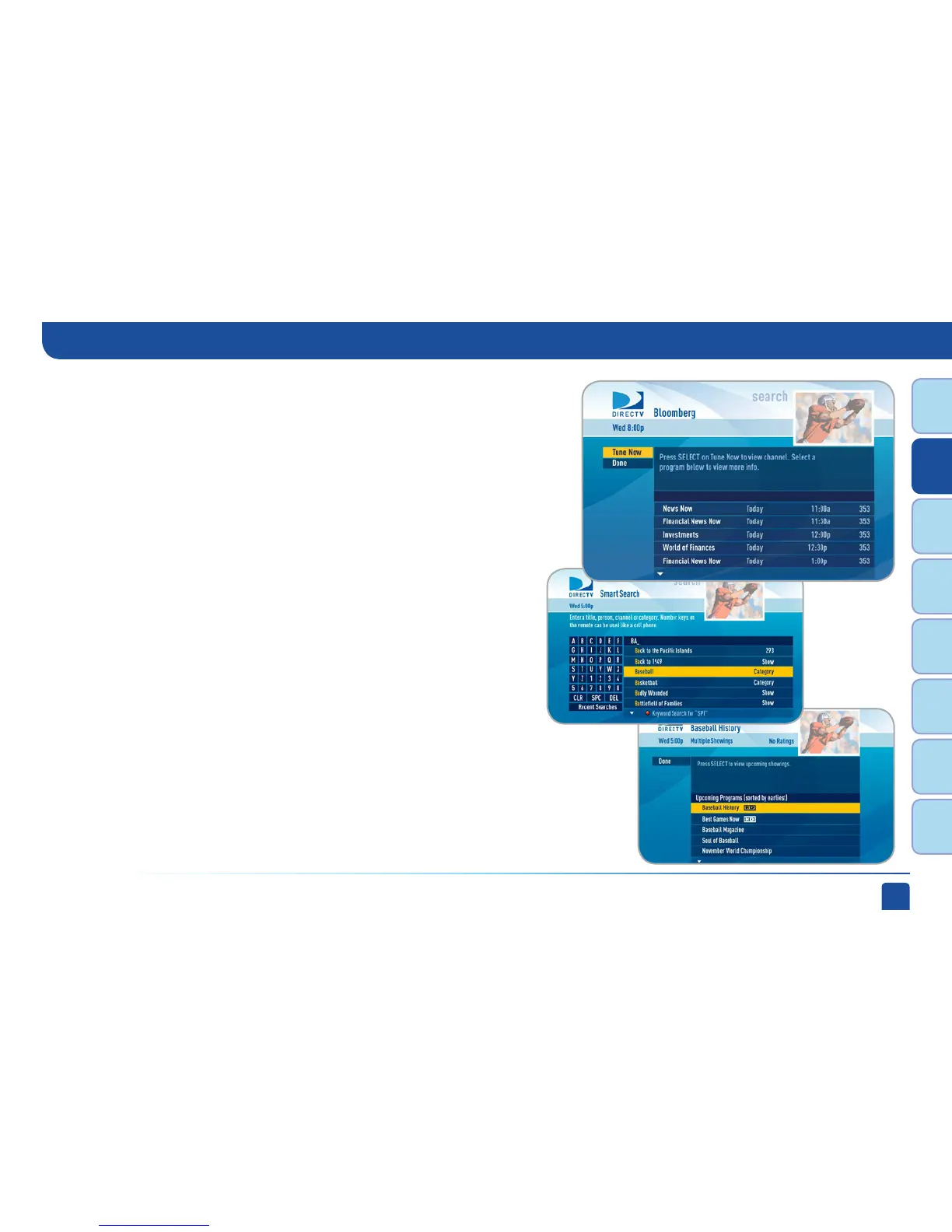
If you select a Channel
A list of all programs available on that channel displays in chronological order.
Press select on “Tune Now” to view that channel. You can also highlight a
program and press the orange REC (record) button on your remote to schedule
it to record or press SELECT on a highlighted program for detailed program info
and additional options.
If you select a Category
Sample categories are: Movies, Science Fiction, Baseball, Basketball, Football,
Cooking, Exercise/Fitness, Travel, etc…
A list of upcoming programs matching that category displays. Highlight a
program and press the orange REC (record) button on your remote to schedule
it to record or press SELECT on a highlighted listing for detailed program info
and additional options.
Smart Search (High-Definition DVRs)



 To Next Page