36
DIRECTV
®
DVR USER GUIDE
Note: To learn how to connect your HD DVR to the Internet, see Appendix 2, How to
Network your HD DVR or visit directv.com/getconnected.
If you select YouTube
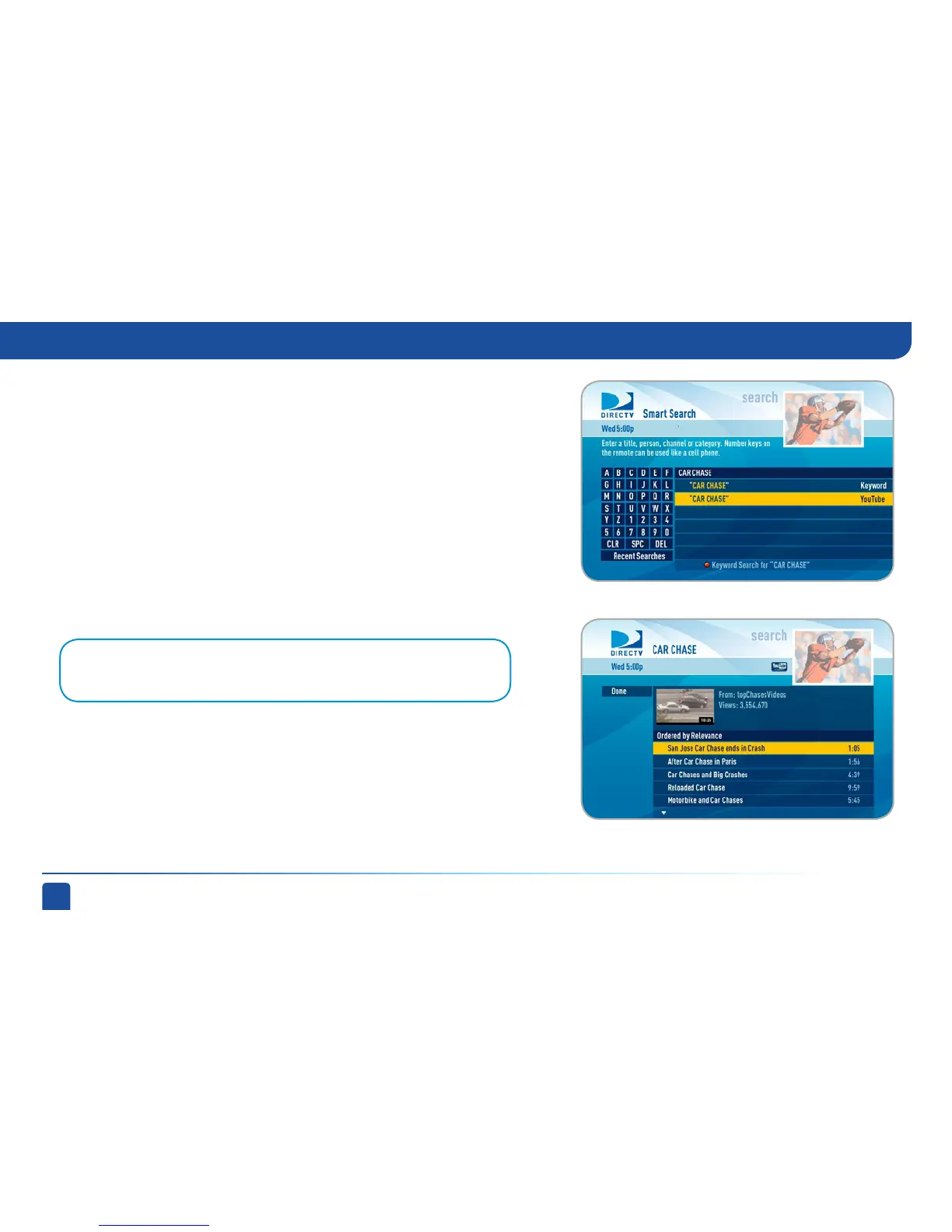
If your receiver is connected to the Internet, the last entry in the search results
list will be labeled “YouTube”. If you select YouTube, a list of matching video
titles displays, sorted by relevance.
Select a title to go to the Info screen. You’ll have the option to “Play” the video,
or select “Related Videos” for similar videos, “More From...” for additional
videos from the user and “Flag Video” to report a video for inappropriate
content.
These videos are streamed to your DIRECTV receiver (so they cannot be saved).
Your DVR control buttons allow you to pause, fast forward, rewind and play
YouTube content. You may use Parental Controls to limit access to this feature.
Smart Search (High-Definition DVRs)



 To Next Page