Page 27
Using the Program Guide
OPENING THE PROGRAM GUIDE
There are two ways to open the Program Guide:
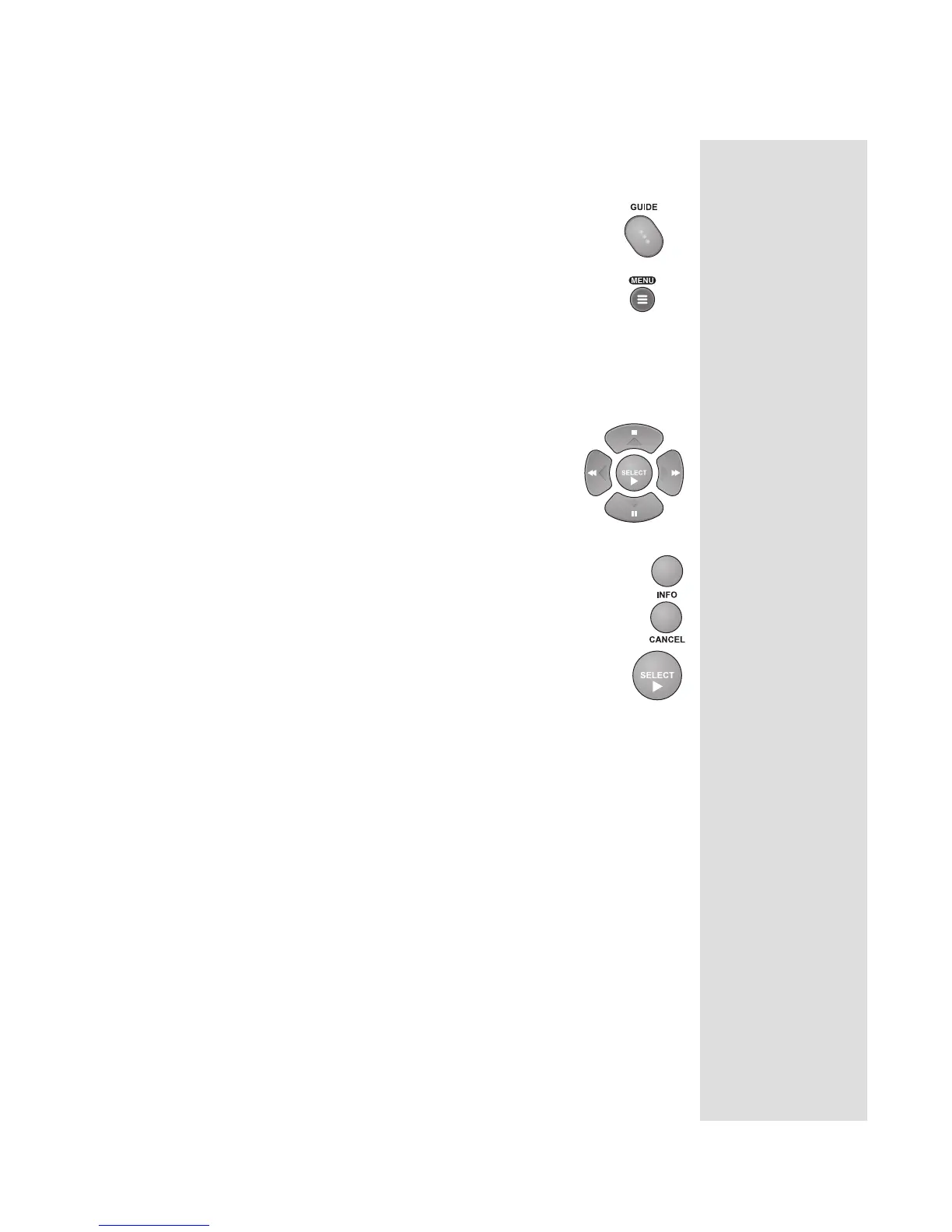
• Press the GUIDE button.
• Press the MENU button and then select the Program
Guide option.
SELECTING A PROGRAM IN THE PROGRAM GUIDE
1. Use the NUMBER PAD buttons to enter the desired channel number.
The Program Guide displays a block of channels including the one that
you just entered.
2. Use the ARROW buttons to move the highlight to
the desired program.
Note: You can press the PAGE UP or PAGE
DOWN ARROW button to scan, page by page,
through the listing of channels.
3. You can press the INFO button for more
information about the highlighted program.
Press the CANCEL button to return to the
Program Guide.
4. Press the SELECT button to change to the
highlighted channel.
Note: You can skip the Program Guide forward or backward many
hours at one time. To do this, enter the number of hours that you want to
skip using the NUMBER PAD buttons. Then press the LEFT or
RIGHT ARROW button to move back or forward, respectively.
CLOSING THE PROGRAM GUIDE
To close the Program Guide and not change the channel, press the remote
control CANCEL button. The receiver displays the program you were
watching before you opened the Program Guide.
Tip: The Program
Guide can display
programs
scheduled for
some time beyond
the present, but
cannot display
programs that
have ended.











 To Next Page