Page 55
Setting System Upgrades
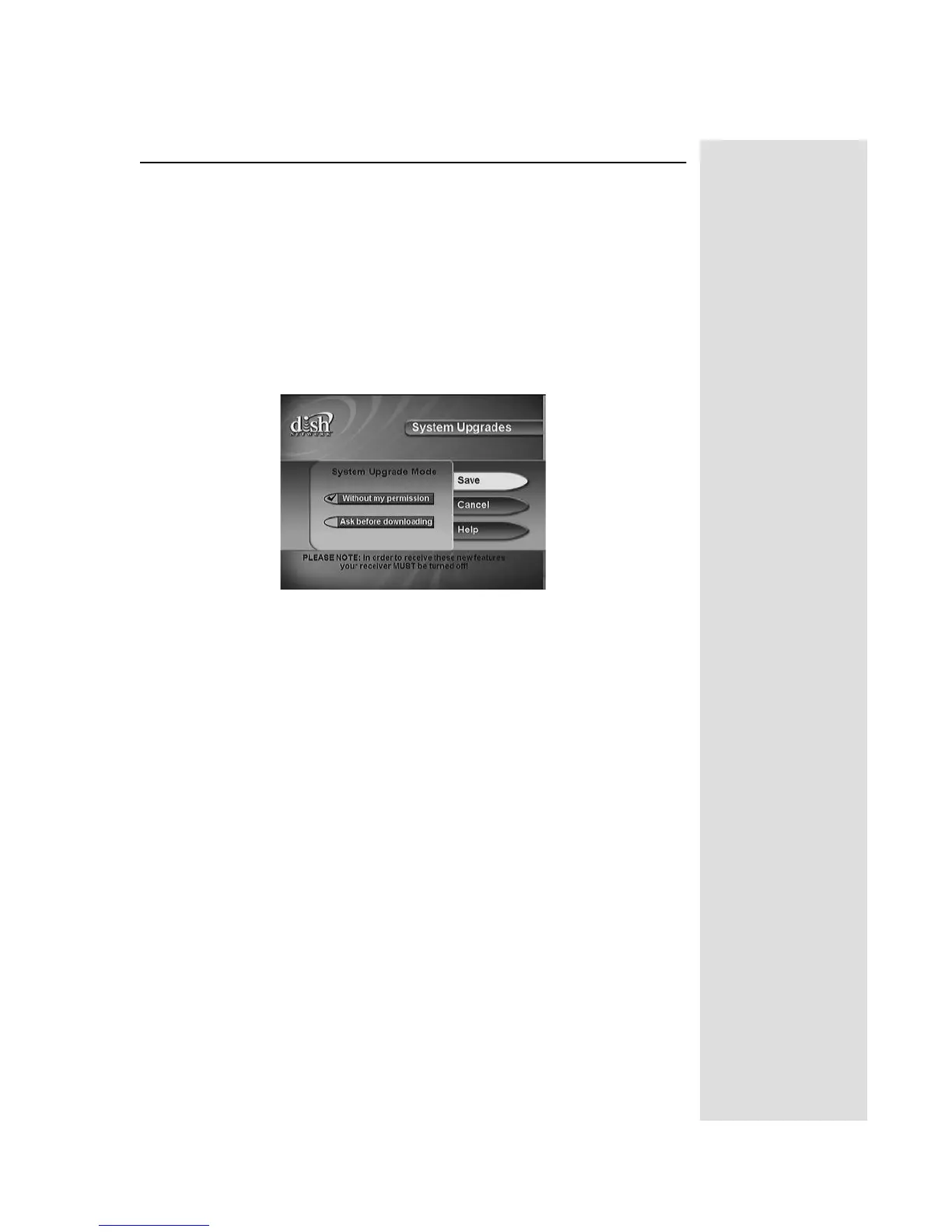
SETTING SYSTEM UPGRADES
Your receiver includes a feature that allows you to have upgrades occur
automatically. If you would like to confirm each upgrade, you may also
have the receiver notify you before taking any downloads.
1. Press the
MENU button.
2. Select
System Setup.
3. Select
Installation.
4. Select
System Upgrades.
5. Select
Without my permission for upgrades to occur automatically.
Select
Ask before downloading if you want to confirm the download
before it occurs. If you select
Ask before downloading, no new
Program Guide information will be available until you turn off the
receiver.
6. When you are finished with your selection, select
Save to close the
screen.











 To Next Page