Page 34
Chapter 3
Using the System
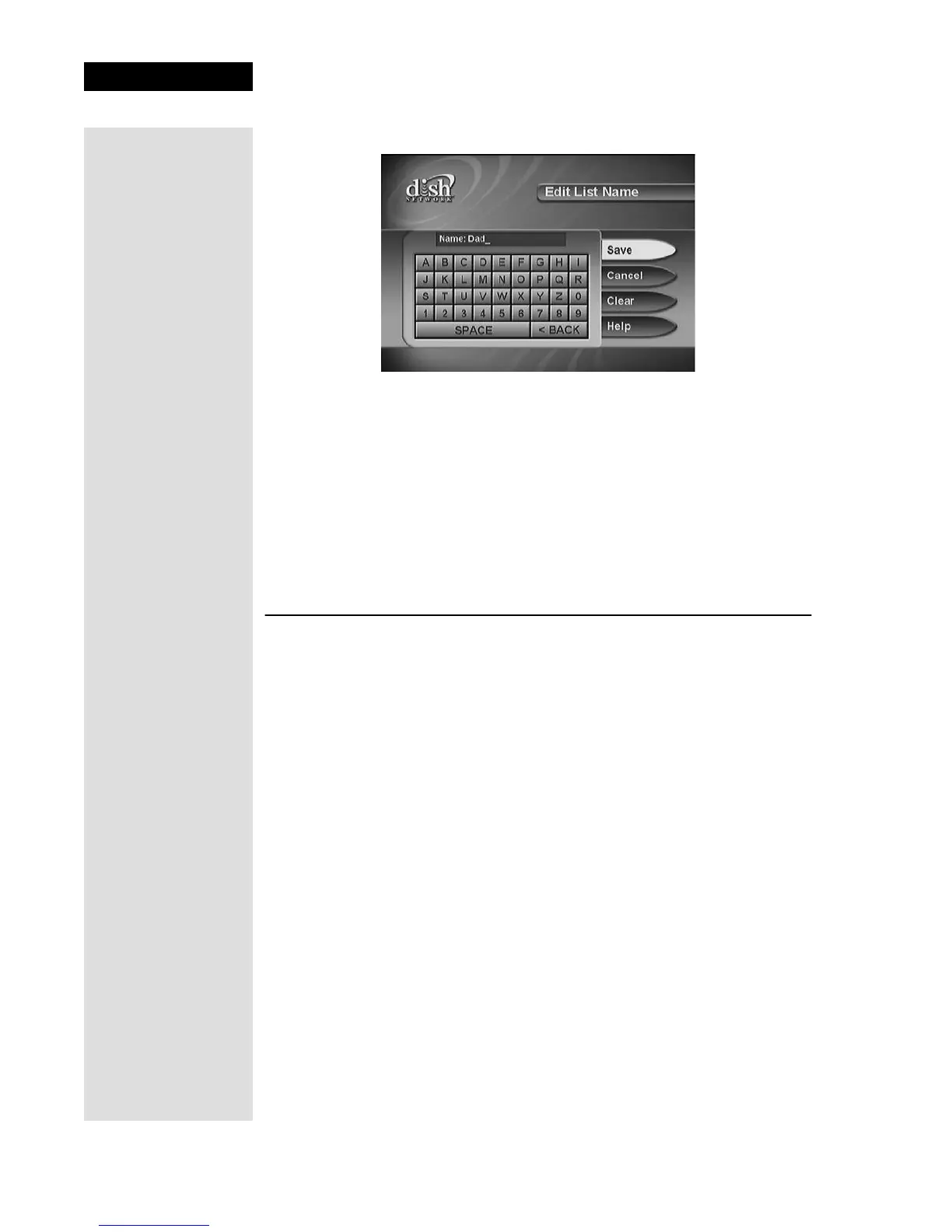
4. Select the Edit List Name option to open the virtual keyboard.
Note: You cannot change the name of the All Chan or All Sub list.
5. Select a letter in the keypad area on the screen. Repeat to spell out the
name. You can enter up to eight characters, including spaces. If needed,
select the
SPACE option to insert a space in the name or the <BACK
option to correct a letter.
Note: A list must have at least one character. Two lists cannot have the
same name. At any time, you can select
Clear to clear the name.
6. Select
Save.
USING TIMERS
Event timers allow you to set up the receiver to automatically change to a
channel and send a signal to a VCR to record a future “event,” that is, a
program. You can set an automatic event timer for a program listed with
start and stop times in the Program Guide. A manual event timer allows you
to set custom start and stop times for a timer.
EVENT TIMER TYPES
Reminder—Reminds you that a program is about to start.
Auto/Ext—Reminds you that a program is about to start; tunes the receiver
to the program when it begins. Tells a connected external device to begin
recording.
VCR—Reminds you that a program is about to start; tunes the receiver to
the program when it begins; starts a VCR to record the program.To record
with a VCR you must first set up the receiver to control the VCR. See
page 41 for instructions.
Note: Most TV programs and films are copyrighted. In some cases,
copyright law may apply to private, in-home recording.
Tip: If you try to
make an empty
Favorites Lists
active, the receiver
displays an Error
message. You must
add at least one
channel to this
Favorites List
before you can
make it active.
Tip: You can use an
Auto/Ext event timer
to remind you that a
program is about to
start and then
automatically tune
the receiver to the
right channel.











 To Next Page