Page 28
Chapter 3
Using the System
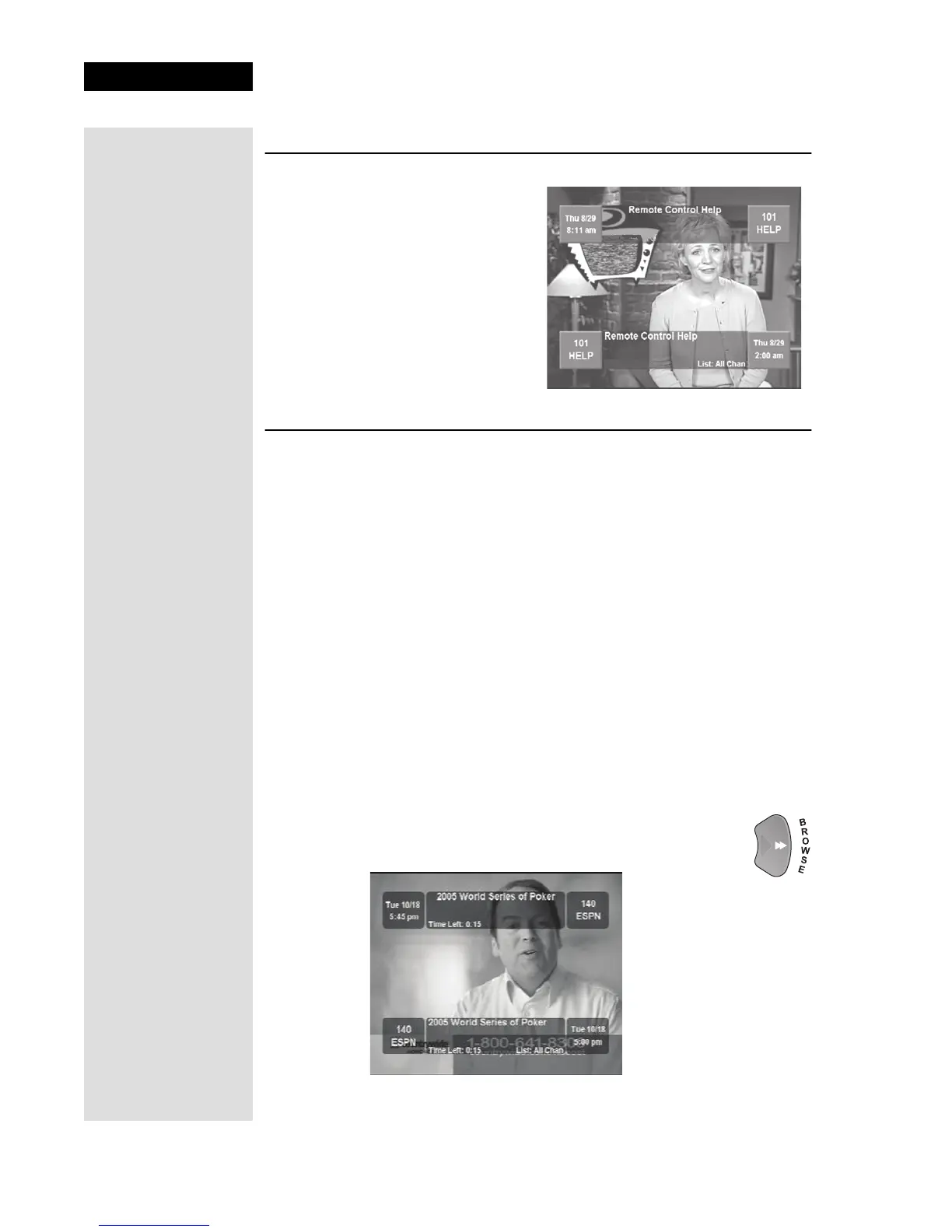
USING THE PROGRAM BANNER
The Program Banner provides
information about the program
you are watching. The receiver
displays the Program Banner for
a few seconds at the top of the
TV screen every time you
change the channel or press the
remote control VIEW button.
USING THE BROWSE BANNER
You can use the Browse Banner to change channel, or to see what other
programs are available without changing the program that you are
watching. The receiver displays information on the program you are
watching at the top and Browse Banner information at the bottom of the TV
screen. Press the UP or DOWN ARROW to see what programs are playing
on the channels above or below the one you are viewing. Information on
these programs appears at the bottom of the TV screen.
Note: The Browse Banner only displays the channels in the active Favorites
List that is indicated in the Browse Banner. For example, if the All Chan
Favorites List is active, the Browse Banner displays all the channels. If the
All Sub list is active, the Browse Banner displays only the channels in your
subscription.
If you have set up the Program Guide to hide adult channels and the
receiver is locked, the Browse Banner does not display those channels.
To use the Browse Banner:
1. Press the remote control RIGHT ARROW button to open
the Browse Banner for the program that you are watching.
Tip: You can use
the Browse
Banner to see what
other programs are
available without
leaving the
program you are
watching.











 To Next Page