Page 53
Using Caller ID
You can select OK to eliminate the message. If you do nothing, it will
disappear after 20 seconds.
If you are in a menu when a call comes in, you will see a different Caller ID
popup screen.
TO TURN THE CALLER ID ON AND OFF
1. Press MENU.
2. Select the
System Setup option.
3. Select the
Installation option.
4. Select the
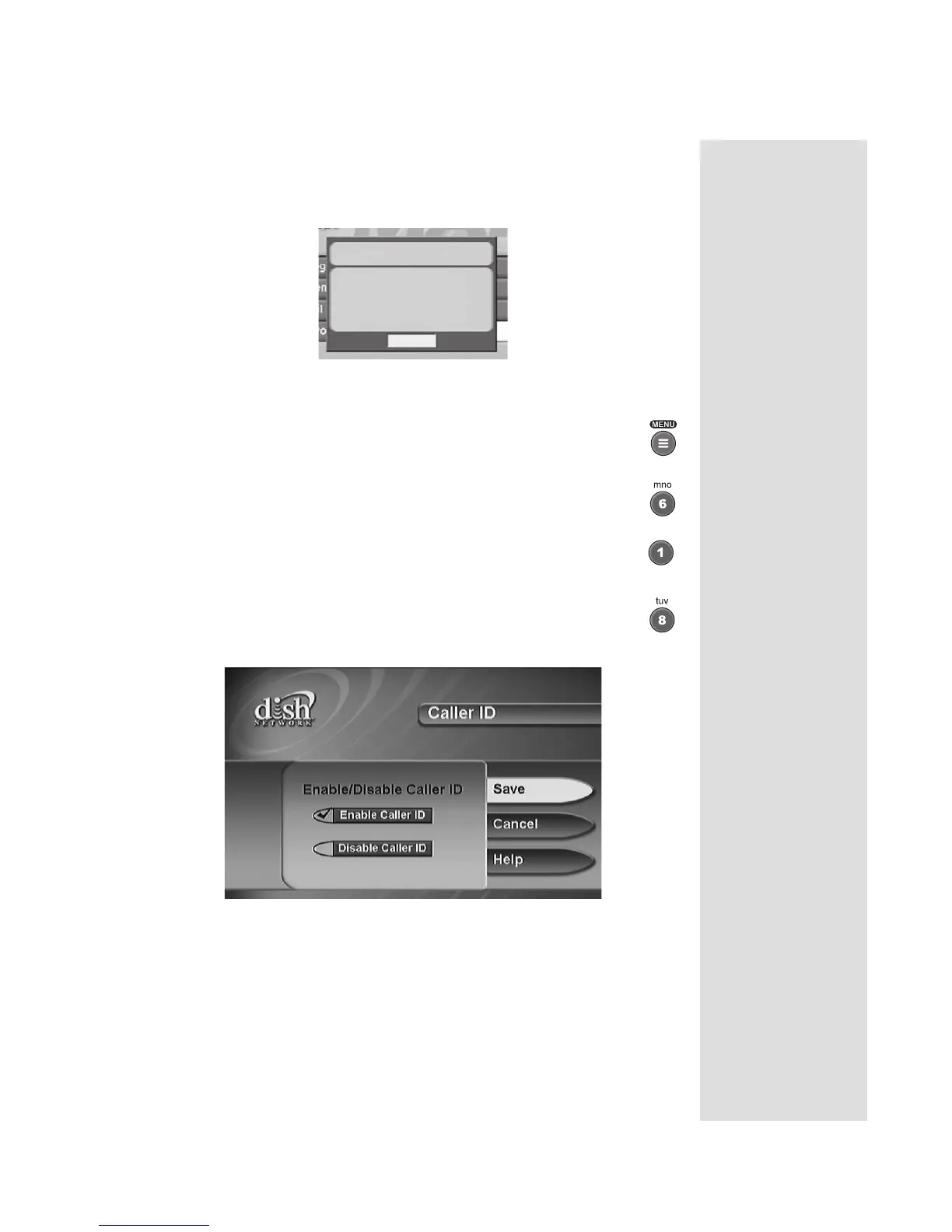
Caller ID option. The following screen will
display.
5. Highlight
Enable Caller ID or Disable Caller ID and press SELECT.
6. Select
Save.
Incoming call:
Name: DOE JOHN
Phone: 303-555-1234
OK











 To Next Page