YOUR DTVPAL DIGITAL-TO-ANALOG TV CONVERTER
INSTALLATION
INSTALLATION
Note: These instructionsassume you already have an over-the-air antenna
installed. If you need help choosing or installing an over-the-air antenna, refer to
www.antennaweb.orq or your local retailer.
Connecting Your DTVPa( to Your TV
Important Safety Note: Do not connect your TV or your DTVPal to apower supply until after you have properly connected all of the cables
using the following instructions.
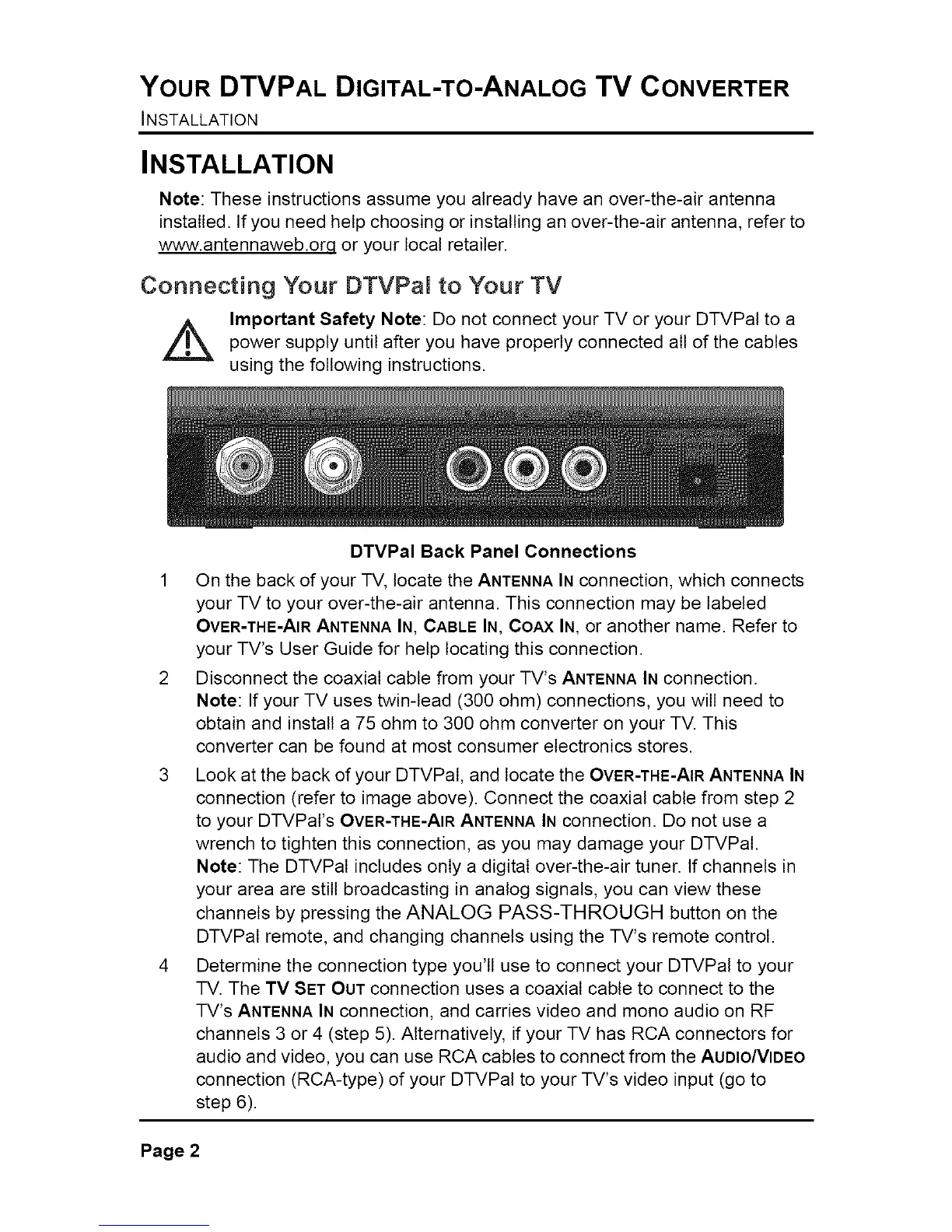
DTVPal Back Panel Connections
1 On the back of your TV, locate the ANTENNAIN connection, which connects
your TV to your over-the-air antenna. This connection may be labeled
OVER-THE-AIRANTENNAIN, CABLE IN, COAX IN, or another name. Refer to
your TV's User Guide for help locating this connection.
2 Disconnect the coaxial cable from your TV's ANTENNAIN connection.
Note: If your TV uses twin-lead (300 ohm) connections, you will need to
obtain and install a 75 ohm to 300 ohm converter on your TV. This
converter can be found at most consumer electronics stores.
3 Look at the back of your DTVPal, and locate the OVER-THE-AIRANTENNAIN
connection (refer to image above). Connect the coaxial cable from step 2
to your DTVPaI's OVER-THE-AIRANTENNAIN connection. Do not use a
wrench to tighten this connection, as you may damage your DTVPal.
Note: The DTVPal includes only a digital over-the-air tuner. If channels in
your area are still broadcasting in analog signals, you can view these
channels by pressing the ANALOG PASS-THROUGH button on the
DTVPal remote, and changing channels using the TV's remote control.
4 Determine the connection type you'll use to connect your DTVPal to your
TV. The TV SET OUT connection uses a coaxial cable to connect to the
TV's ANTENNAIN connection, and carries video and mono audio on RF
channels 3 or 4 (step 5). Alternatively, if your TV has RCA connectors for
audio and video, you can use RCA cables to connect from the AUDIO/VIDEO
connection (RCA-type) of your DTVPal to your TV's video input (go to
step 6).
Page 2



 To Next Page