YOUR DTVPAL DIGITAL-TO-ANALOG TV CONVERTER
SYSTEM SETUP
SYSTEM SETUP
The System Setup menu has
additional customization options.
Open the System Setup menu
by pressing MENU on the
remote control, selecting Setup,
then selecting System Setup.
System SetupE
Installation
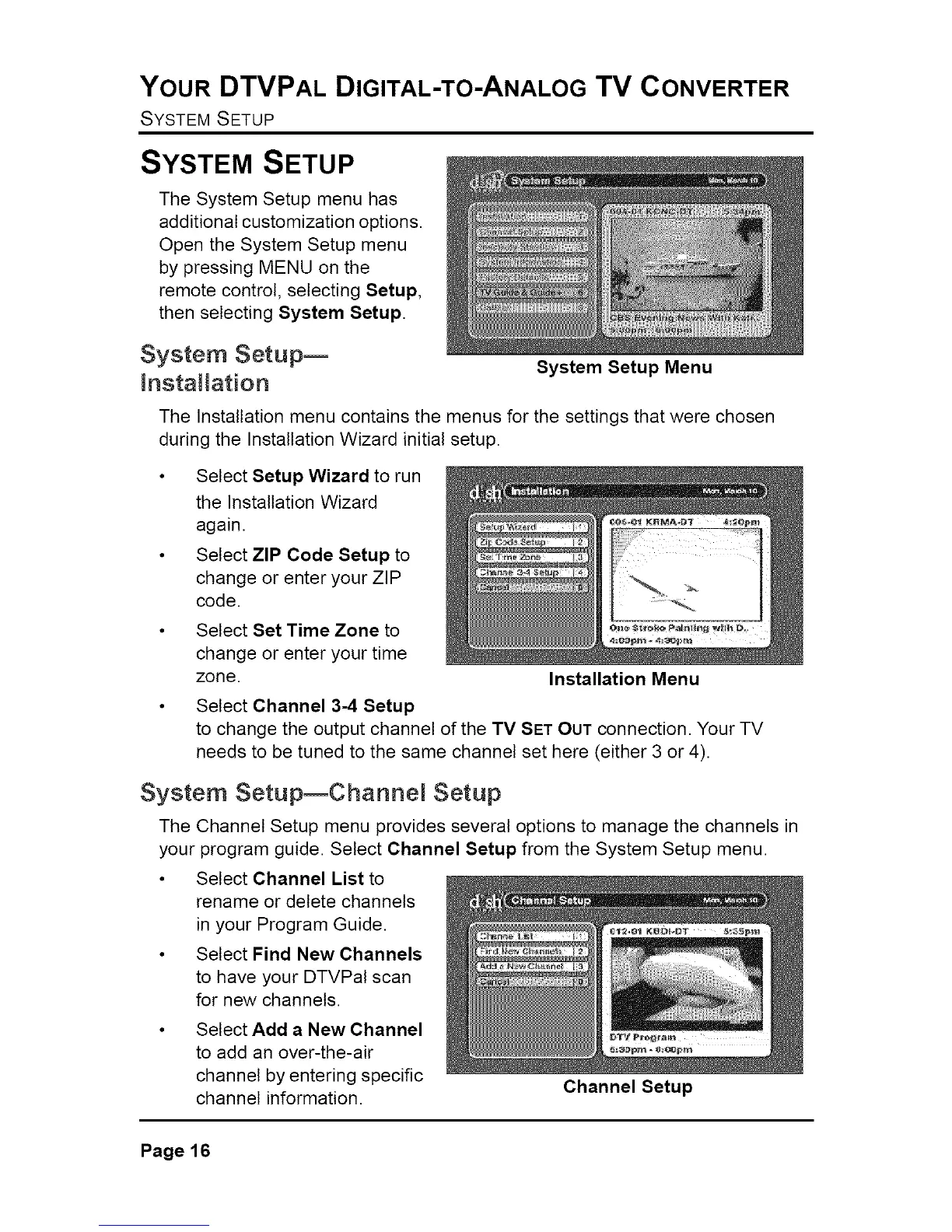
System Setup Menu
The Installation menu contains the menus for the settings that were chosen
during the Installation Wizard initial setup.
Select Setup Wizard to run
the Installation Wizard
again.
Select ZIP Code Setup to
change or enter your ZIP
code.
Select Set Time Zone to
change or enter your time
zone.
Select Channel 3-4 Setup
to change the output channel of the TV SET OUT connection. Your TV
needs to be tuned to the same channel set here (either 3 or 4).
Installation Menu
System SetupEChannel Setup
The Channel Setup menu provides several options to manage the channels in
your program guide. Select Channel Setup from the System Setup menu.
• Select Channel List to
rename or delete channels
in your Program Guide.
• Select Find New Channels
to have your DTVPal scan
for new channels.
• Select Add a New Channel
to add an over-the-air
channel by entering specific
channel information.
Channel Setup
Page16



 To Next Page