YOUR DTVPAL DIGITAL-TO-ANALOG TV CONVERTER
TV GUIDE ON SCREEN OR GUIDE PLUS SETUP
Completing Setup
After setup is complete, exit the Guide setup screen. To begin receiving
listings, be sure to turn off the Guide-enabled device when not in use.
Within 24 hours, you wilt begin receiving TV show listings. It may take up
to six days to receive the full eight days of initial show listings.
Show listings are updated several times per day. Be sure to leave your
DTVPal powered on to have the most updated listings information. It is
normal for your DTVPal to change channels while the Guide-enabled
device is powered off and is setting up or receiving new data.
Note: When you receive your new Guide listings, you wilt notice that your
channel numbers have changed. Refer to Tuning to Your New Channel
Numbers, below, or visit www.tvqos.com/support for more details.
Tuning to Your New Channel Numbers
After connecting your Guide-enabled TV or DVD recorder to your DTVPal or
VCR, the channel numbers used in your Guide Listings will change.
Understanding Your New Channel Numbers
Your analog TV, DVD recorder, or VCR does not know how to tune to digital
channels. The channel number assigned to your channel lineup allows your
DTVPal to find the correct digital channels.
Finding Channel Numbers
In any Guide version, you can identify the channel number using the Channel
Editor.
1 On the Service Bar, highlight Listings. Press MENU on the Guide-enabled
device's remote control, then select Edit Channel.
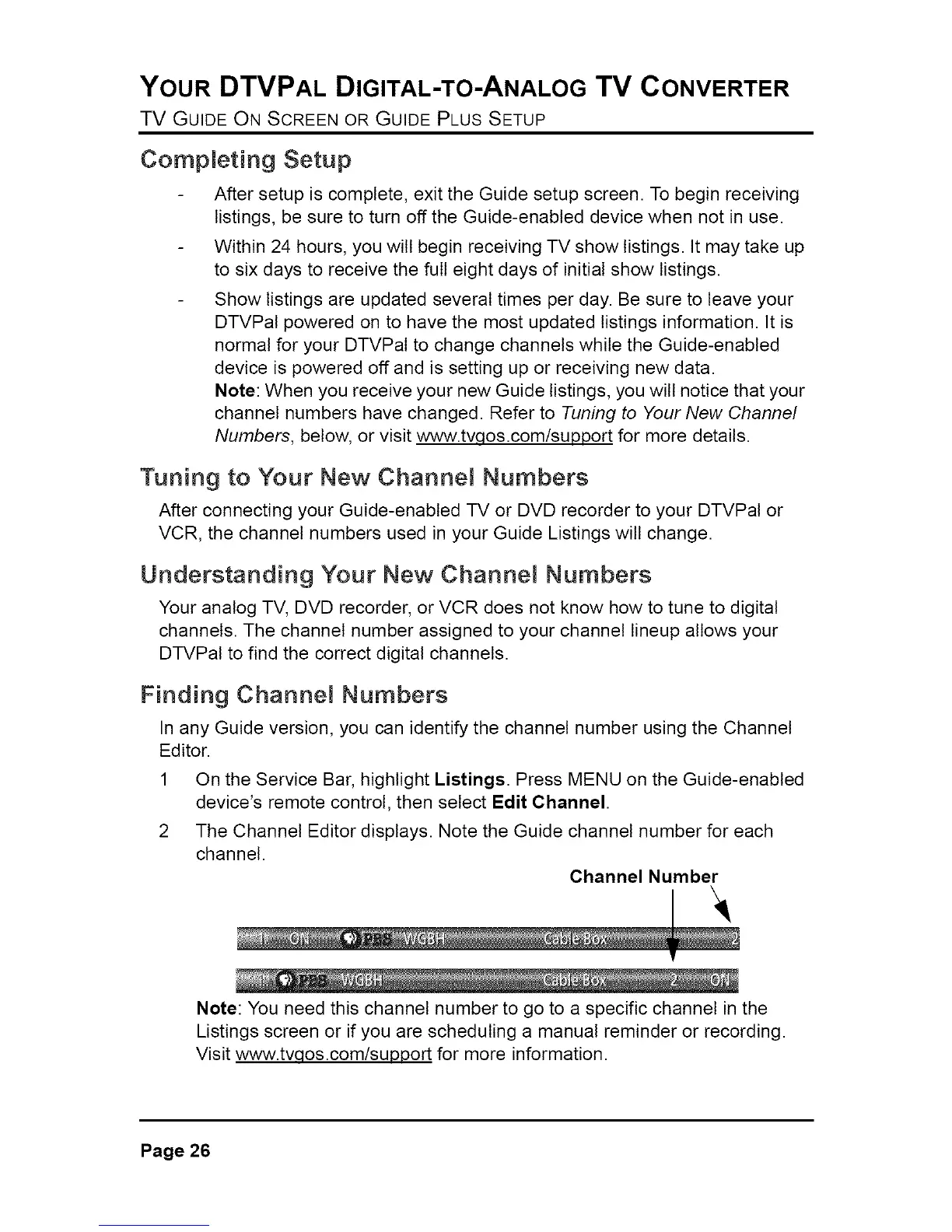
2 The Channel Editor displays. Note the Guide channel number for each
channel.
Channel Number
Note: You need this channel number to go to a specific channel in the
Listings screen or if you are scheduling a manual reminder or recording.
Visit www.tvqos.com/support for more information.
Page 26



 To Next Page