YOUR DTVPAL DIGITAL-TO-ANALOG TV CONVERTER
LOCKS
Entire Audience--Includes rating categories None, TV-G, TV-PG, TV-14,
and TV-MA.
• Children--Includes rating categories TV-Y and TV-Y7.
• MPAA (Motion Picture Association of America)--Includes rating categories
N/A, G, PG, PG-13, R, and NC-17.
• Extended--Includes rating categories Dialog, Language, Sex, Violence,
and Fantasy Violence.
To block programs based on rating, use the following steps:
1
2
3
4
5
6
Select Ratings Settings
from the Locks menu.
To easily lock (or unlock) all
categories select Block All
or Unblock All.
To edit a specific category,
highlight the category.
For that Category, press
SELECT on the highest
Rating you want to be
viewed without a password. Anything with a rating higher than that will
require entering your password before viewing. For example, if you select
TV-G, programs with None or TV-G can be viewed without a password.
Select Done to save your changes.
Follow the steps in Locking the Receiver to apply the ratings locks.
Locking the Receiver
After you set the channel locks
and the ratings locks, you must
lock the receiver for the settings
to take effect. To lock the
receiver, select Lock System on
the Locks menu.
If you already have a
password, enter it using the
remote's NUMBER PAD.
• Enter a password using the
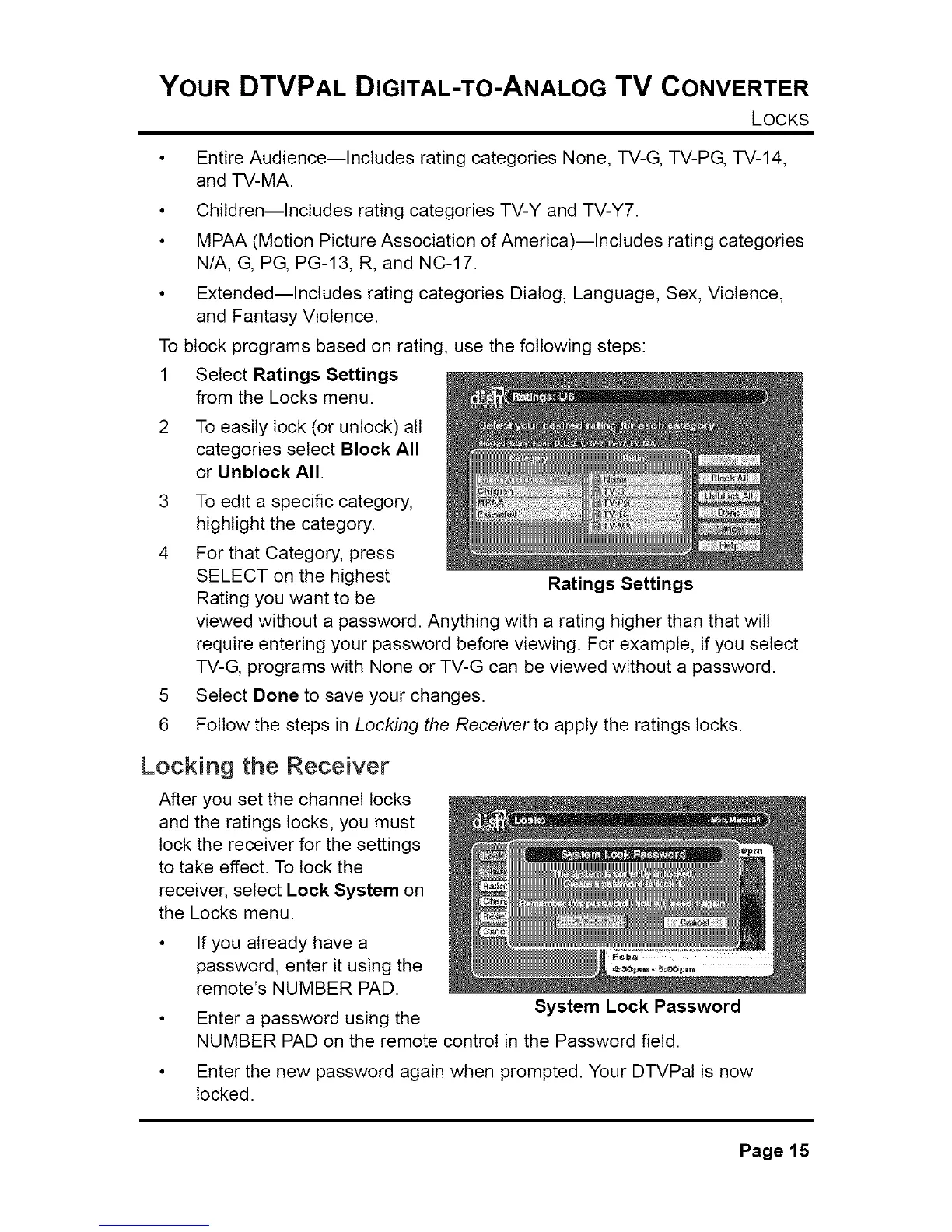
Ratings Settings
System Lock Password
NUMBER PAD on the remote control in the Password field.
Enter the new password again when prompted. Your DTVPal is now
locked.
Page15



 To Next Page