YOUR DTVPAL DIGITAL-TO-ANALOG TV CONVERTER
USING THE MENUS
Features and Menus
Using Your DTVPal Menus and Features
USING THE MENUS
Opening the Menus
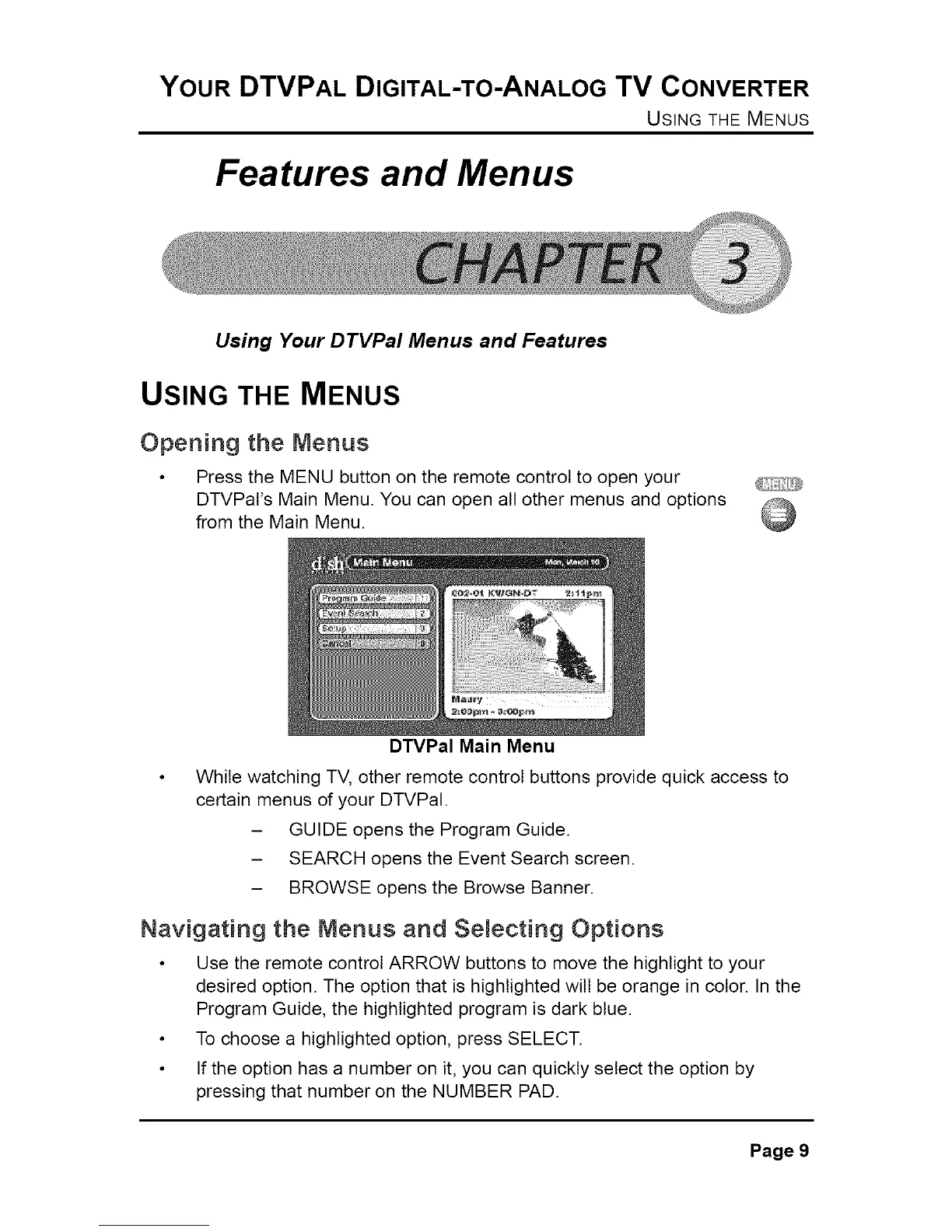
• Press the MENU button on the remote control to open your
DTVPaI's Main Menu. You can open all other menus and options
from the Main Menu.
DTVPal Main Menu
• While watching TV, other remote control buttons provide quick access to
certain menus of your DTVPaI.
- GUIDE opens the Program Guide.
- SEARCH opens the Event Search screen.
- BROWSE opens the Browse Banner.
Navigating the Menus and Semecting Options
• Use the remote control ARROW buttons to move the highlight to your
desired option. The option that is highlighted wilt be orange in color. In the
Program Guide, the highlighted program is dark blue.
• To choose a highlighted option, press SELECT.
• If the option has a number on it, you can quickly select the option by
pressing that number on the NUMBER PAD.
Page 9



 To Next Page