YOUR DTVPAL DIGITAL-TO-ANALOG TV CONVERTER
DTVPAL ToP TiPs
EVENT TIMERS
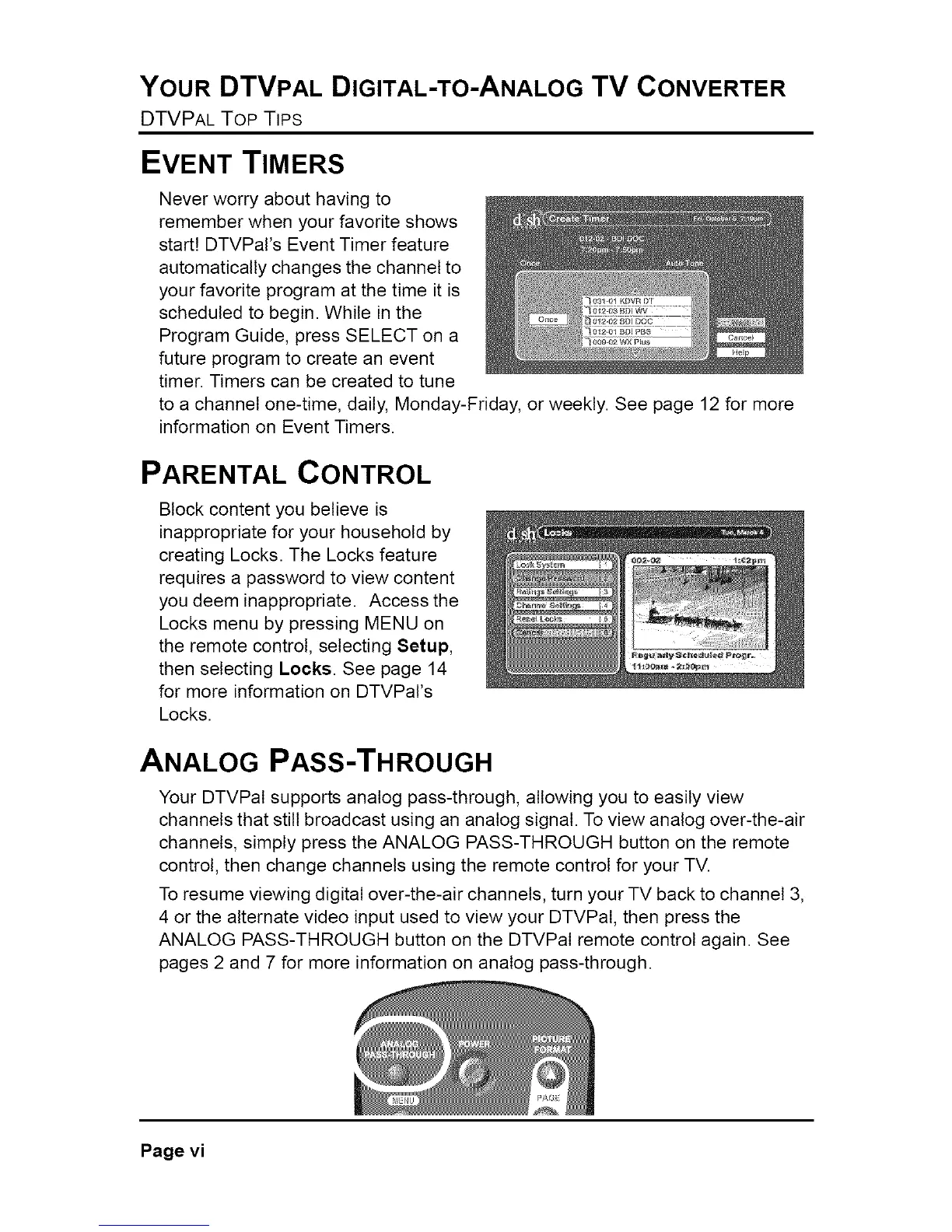
Never worry about having to
remember when your favorite shows
start! DTVPars Event Timer feature
automatically changes the channel to
your favorite program at the time it is
scheduled to begin. While in the
Program Guide, press SELECT on a
future program to create an event
timer. Timers can be created to tune
to a channel one-time, daily, Monday-Friday, or weekly. See page 12 for more
information on Event Timers.
PARENTAL CONTROL
Block content you believe is
inappropriate for your household by
creating Locks. The Locks feature
requires a password to view content
you deem inappropriate. Access the
Locks menu by pressing MENU on
the remote control, selecting Setup,
then selecting Locks. See page 14
for more information on DTVPars
Locks.
ANALOG PASS-THROUGH
Your DTVPal supports analog pass-through, allowing you to easily view
channels that still broadcast using an analog signal. To view analog over-the-air
channels, simply press the ANALOG PASS-THROUGH button on the remote
control, then change channels using the remote control for your TV.
To resume viewing digital over-the-air channels, turn your TV back to channel 3,
4 or the alternate video input used to view your DTVPal, then press the
ANALOG PASS-THROUGH button on the DTVPal remote control again. See
pages 2 and 7 for more information on analog pass-through.
Page vi



 To Next Page