YOUR DTVPAL DIGITAL-TO-ANALOG TV CONVERTER
TV GUIDE ON SCREEN OR GUIDE PLUS SETUP
Displaying Channem Numbers in Listings
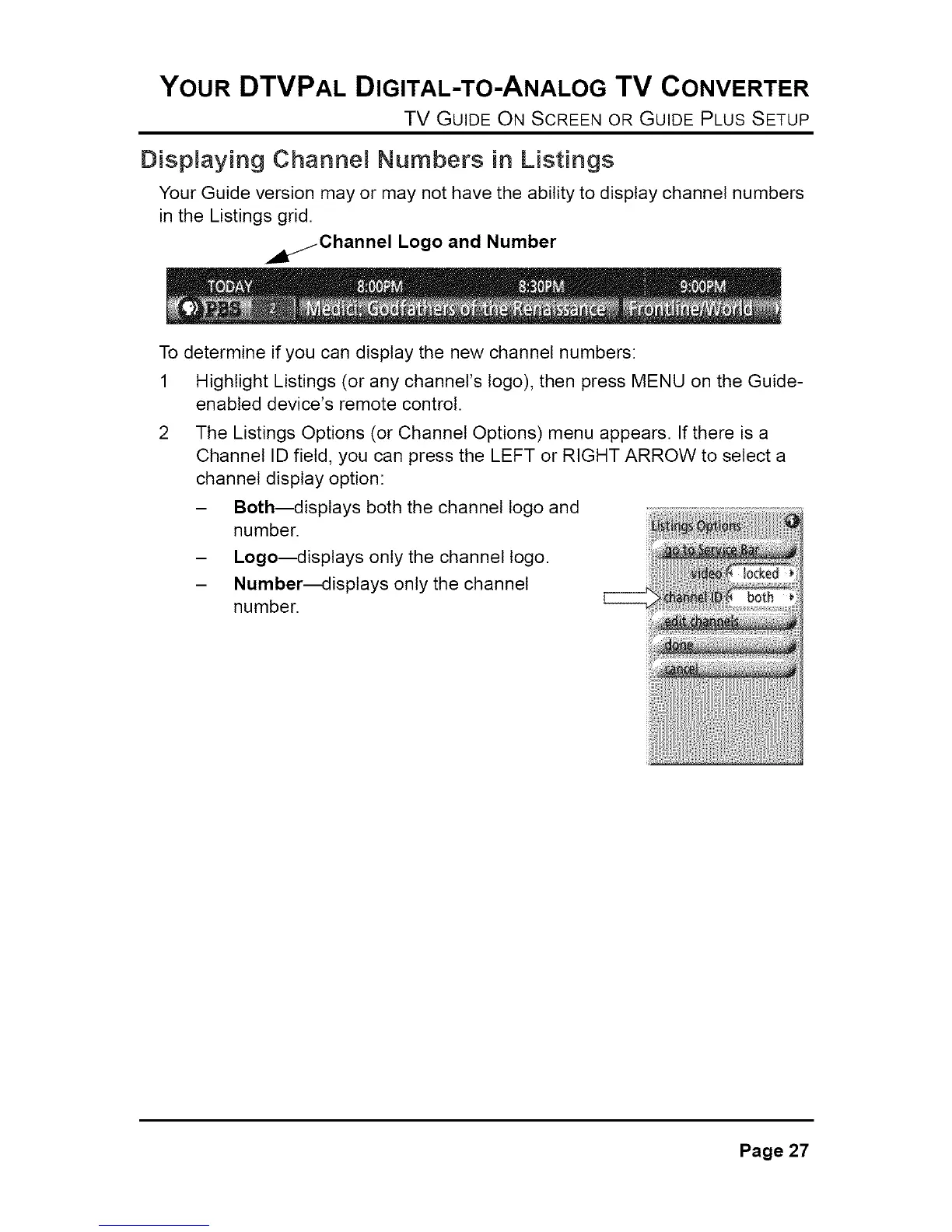
Your Guide version may or may not have the ability to display channel numbers
in the Listings grid.
. jChannel Logo and Number
To determine if you can display the new channel numbers:
1 Highlight Listings (or any channel's logo), then press MENU on the Guide-
enabled device's remote control.
The Listings Options (or Channel Options) menu appears. If there is a
Channel ID field, you can press the LEFT or RIGHT ARROW to select a
channel display option:
- Both_isplays both the channel logo and
number.
- Logo_isplays only the channel logo.
- Number_isplays only the channel
number.
Page 27



 To Next Page