YOUR DTVPAL DIGITAL-TO-ANALOG TV CONVERTER
REMOTE CONTROL BUTTONS
PAGE UP
and DOWN
(PICTURE
FORMAT
and CC)
MENU
PICTURE
FORMAT
cc
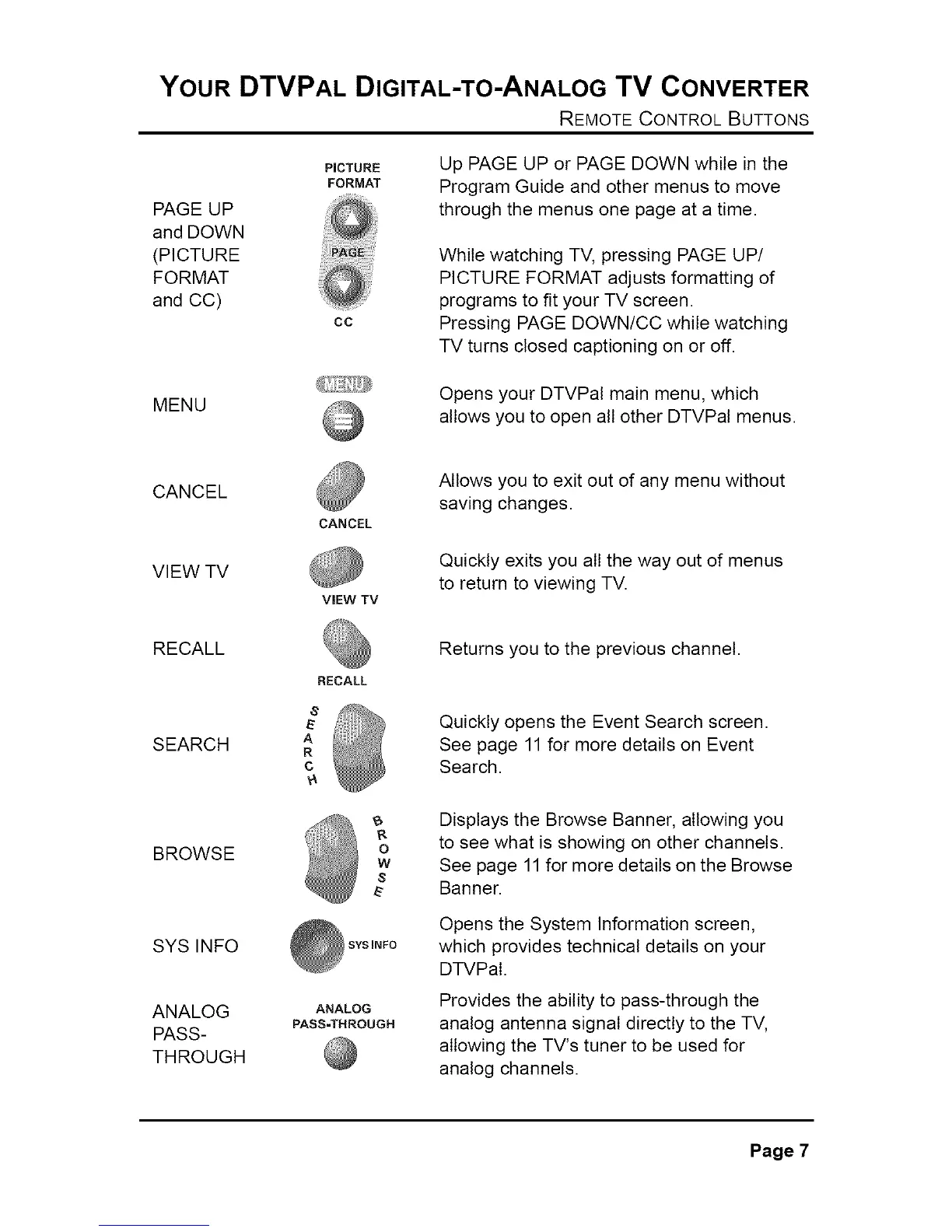
Up PAGE UP or PAGE DOWN while in the
Program Guide and other menus to move
through the menus one page at a time.
While watching TV, pressing PAGE UP/
PICTURE FORMAT adjusts formatting of
programs to fit your TV screen.
Pressing PAGE DOWN/CC while watching
TV turns closed captioning on or off.
Opens your DTVPal main menu, which
allows you to open all other DTVPal menus.
CANCEL
VIEW TV
CANCEL
ViEW TV
Allows you to exit out of any menu without
saving changes.
Quickly exits you all the way out of menus
to return to viewing TV.
RECALL
SEARCH
BROWSE
SYSINFO
ANALOG
PASS-
THROUGH
RECALL
A
R
C
w
s
SYS INFO
ANALOG
PASS-THROUGH
Returns you to the previous channel.
Quickly opens the Event Search screen.
See page 11 for more details on Event
Search.
Displays the Browse Banner, allowing you
to see what is showing on other channels.
See page 11for more details on the Browse
Banner.
Opens the System Information screen,
which provides technical details on your
DTVPal.
Provides the ability to pass-through the
analog antenna signal directly to the TV,
allowing the TV's tuner to be used for
analog channels.
Page 7



 To Next Page