12
Sharing Content
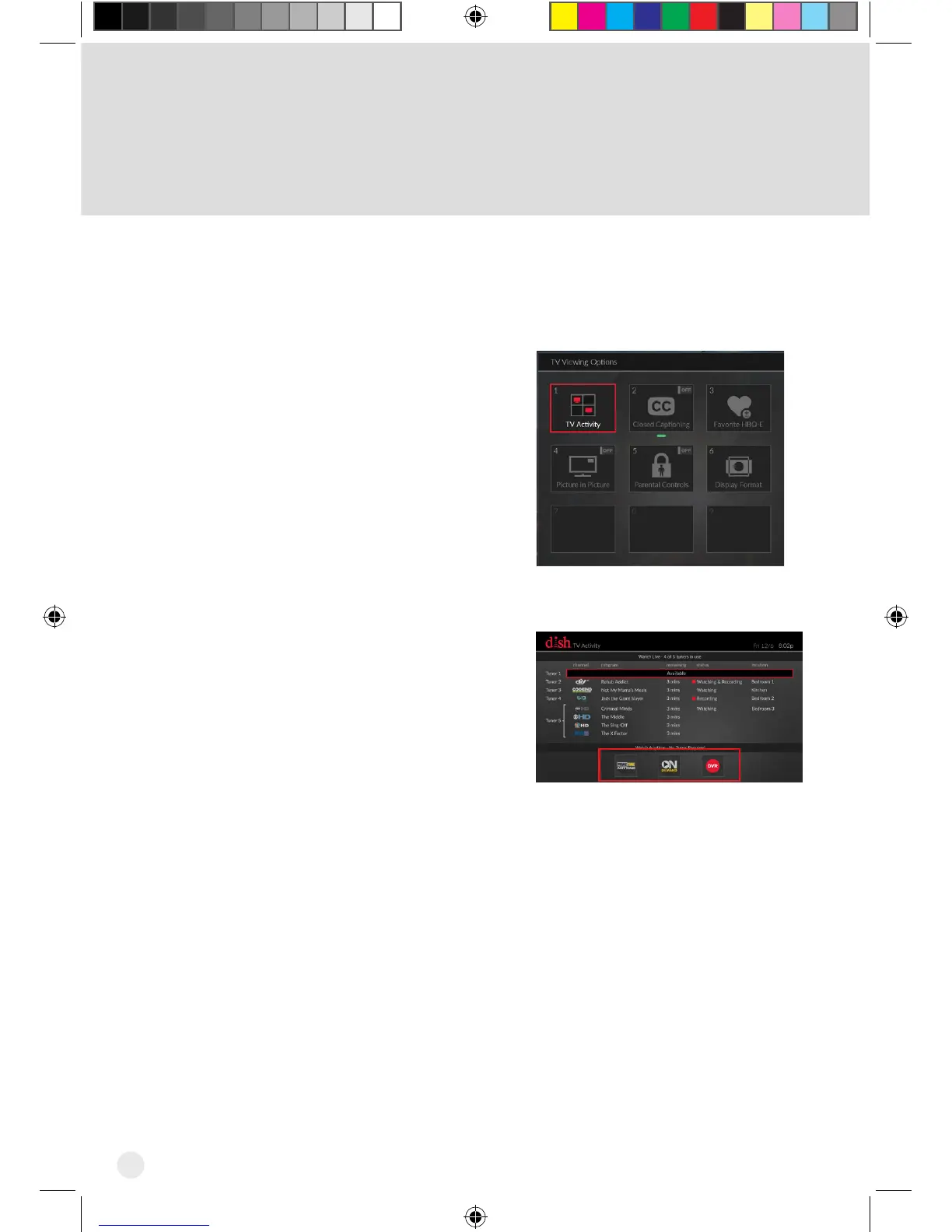
If all tuners are in use, you may either join one of the events or watch a program
found under PrimeTime Anytime®, On Demand, or recorded on the DVR.
Press the OPTIONS button on your
DISH remote. The TV Viewing
Options screen appears.
With the TV Activity tile
highlighted, click on the touchpad.
The TV Activity screen displays.
1
2
Hopper_3_UserGuide.indd 12 8/17/2015 1:05:36 PM



 To Next Page