3
Other ways to nd programs
to watch, continued
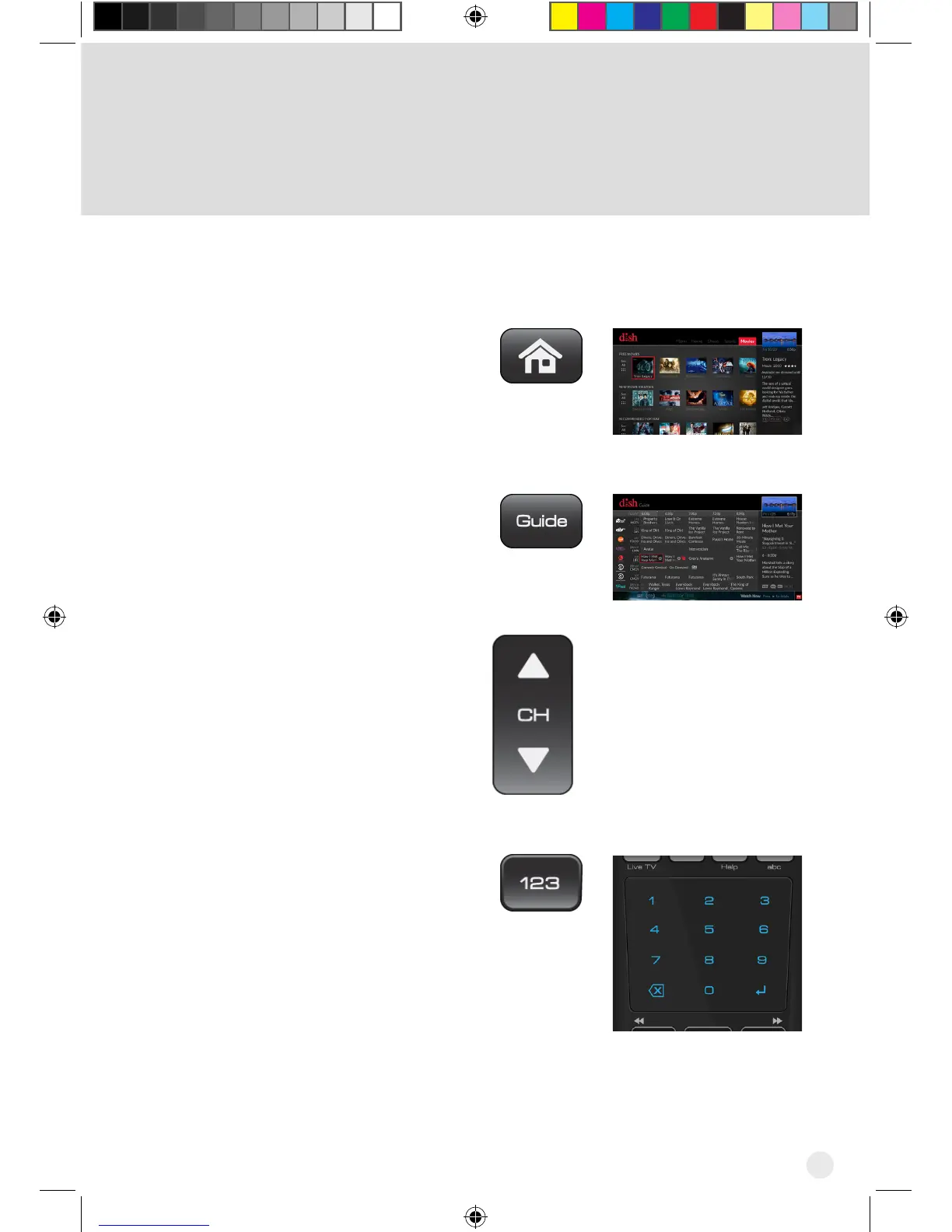
Highlight Movies on the menu
at the top of the screen and click
the touchpad to display movies
available from DISH, movies in
theaters, and movies coming
soon.
Press the GUIDE button to view
the program guide.
Press the Channel UP or DOWN
button on your DISH remote.
Press the 123 button on your
DISH remote. The number pad
displays within the touchpad
area of the remote. Enter the
channel that you want.
Hopper_3_UserGuide.indd 3 8/17/2015 1:05:31 PM



 To Next Page