Chapter 1
Page 16
Introduction
11. Press the RECORD button to start recording the program
right now.
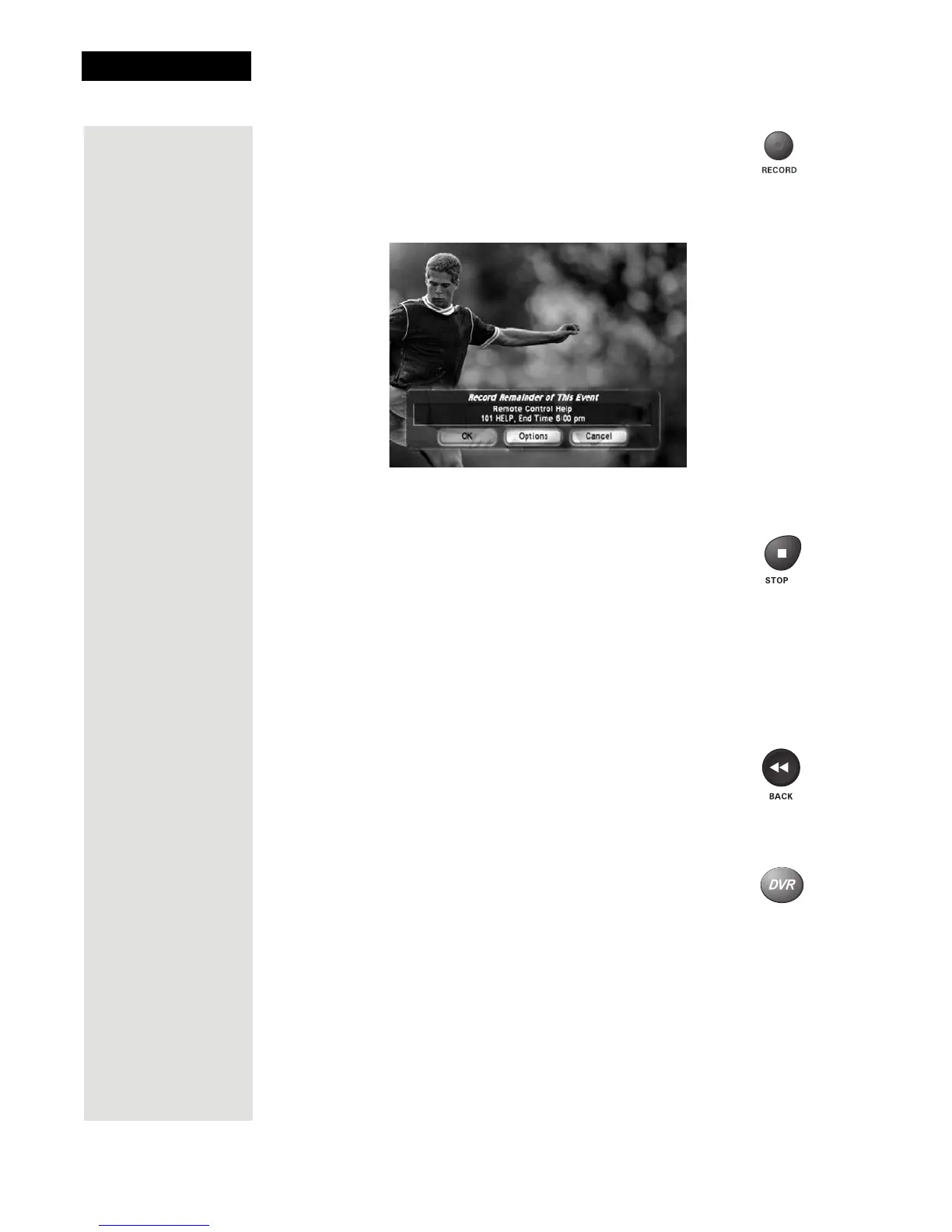
12. When the Record Remainder of this Event displays, select
OK to start recording now. See page 68 for an explanation of
the recording options.
13. Select OK to start recording the program. Notice the receiver’s front
panel RECORDING light turns on.
14. If you want, press the STOP button. This stops the receiver
from recording the program.
Notice the receiver’s front panel RECORDING light turns
off.
15. Now, if you want to take the time, use the Program Guide to find
another program set to start in the next few minutes.
Note: Start watching the program when it starts. Watch the program for
a few minutes.
16. Press the BACK button to reverse the program.
Note: Let the program reverse all the way to its start.
17. Press the DVR button. This opens the
DVR Events menu on
the TV screen.













 To Next Page