Page 17
Quick Tour of Digital Video Recorder Features
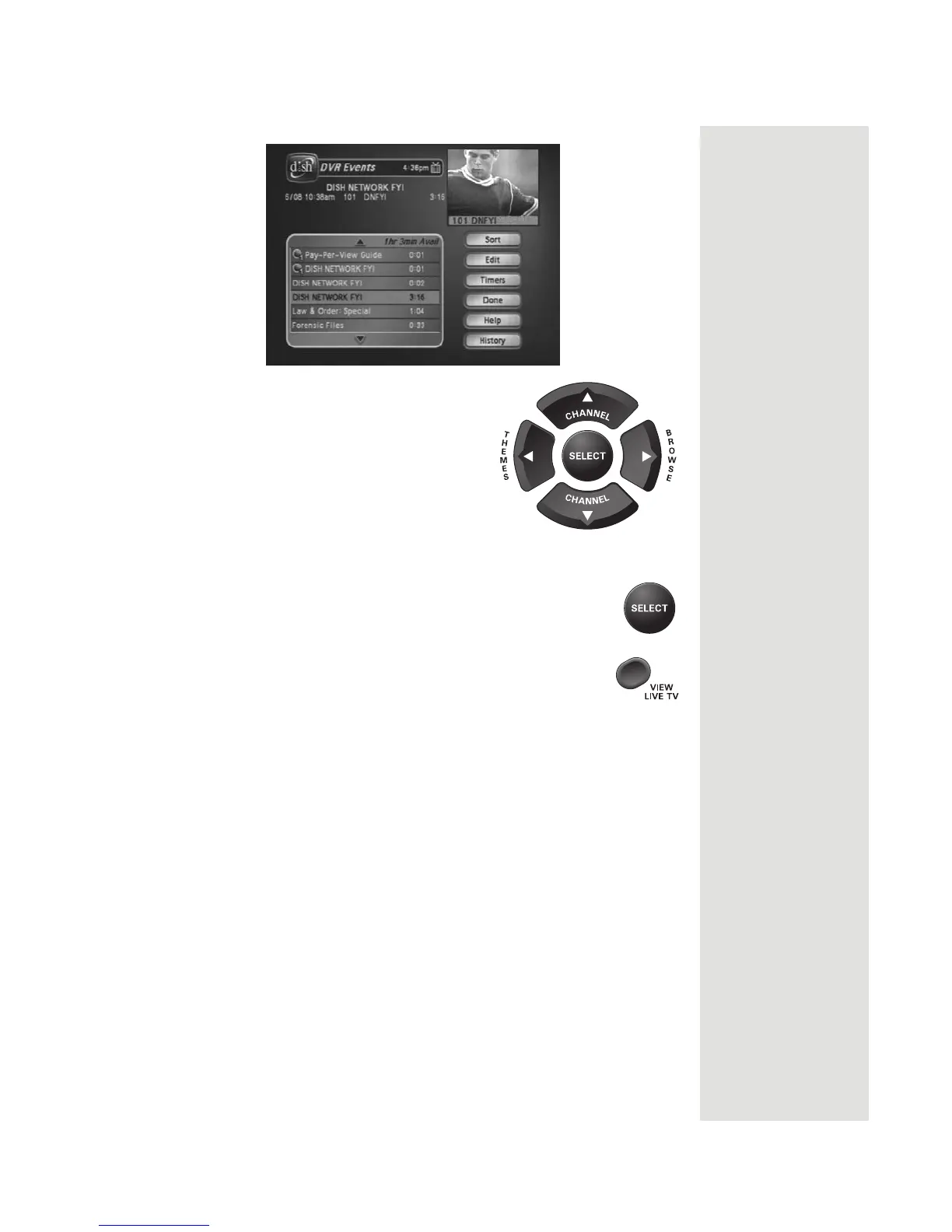
18. Use the remote control arrow buttons to
highlight an event on the
DVR Events
menu (it’s OK to highlight an event
you’re recording).
19. Press the remote control SELECT button to select the
event you highlighted. This opens a screen of information
about that event.
20. Press VIEW LIVE TV to return to your live programming.













 To Next Page